
The Ultimate Guide to 12 Snapchat 3rd Party Apps in 2026
Alright, let's cut to the chase: the official app stores are just the starting line. The world of 3rd party apps is where you unlock the real power—whether you're trying to archive a disappearing Snapchat memory, find a niche open-source tool, or just get around annoying limitations. But stepping outside the official marketplaces can feel like walking through a minefield of sketchy downloads and potential account bans. This guide is your map.
We're focusing on "Smart Privacy" here. That means using tools to responsibly archive your digital life, keep receipts of important conversations, or protect your privacy—not to spy. You'll learn how to find and use third-party software without getting burned. A huge piece of this puzzle is understanding the Desktop Advantage. While sketchy mobile apps for platforms like Snapchat often get you a swift account ban, desktop-based tools work outside the app's direct environment, making them way safer and basically undetectable.
This list breaks down everything you need to know. We'll cover different app sources, from official stores to desktop clients and even the risky modified mobile apps (and why you should avoid them). We’ll dive into a solution like SnapNinja, which uses the desktop advantage to let you save snaps and stories without ever triggering that dreaded "Saved to Camera Roll" notification.
By the end, you'll know how to judge the trustworthiness of any third-party tool and find the best platforms for your specific needs. Each recommendation comes with a direct link and a clear breakdown of what makes it solid, so you can expand your digital toolkit safely and effectively.
1. SnapNinja
SnapNinja is the only reliable solution if you need to archive Snapchat content without triggering notifications. It’s a desktop app built on a simple, brilliant premise: anything you view on Snapchat Web on your computer, SnapNinja automatically and silently saves to your hard drive. This hands-off method is perfect for anyone looking to archive memories, keep receipts of conversations, or repurpose content without alerting the sender.
The platform’s core strength is what we call the Desktop Advantage. Forget those risky mobile hacks on iOS or Android that often require jailbreaking and get your account banned in a flash. SnapNinja works entirely on your Windows or macOS machine. By interfacing with Snapchat Web through your browser, it operates completely outside the Snapchat app’s security protocols, making its capture method undetectable. This design makes it the safest alternative for anyone who doesn't want to lose their Snapchat account.
Key Features and Use Cases
SnapNinja is built for one job and does it perfectly. It's simple, effective, and nails the features users actually need.
- 100% Undetected Capture: This is its main draw. It completely bypasses Snapchat’s screenshot and "Saved to Camera Roll" alerts. It's the only way to archive sentimental photos or keep evidence of a conversation without creating an awkward situation.
- Automatic Background Archiving: Just launch the app and forget it. Use Snapchat Web like you normally would, and every photo, video, or Story you look at gets automatically saved to a folder on your computer. No extra steps needed. If you only need Stories, a dedicated free Snapchat story downloader is also available.
- Local-Only Storage for Smart Privacy: All your saved Snaps are stored directly on your hard drive. SnapNinja makes it clear that no data ever touches its servers, and it claims AES-256 encryption to secure your local files. This focus on user-controlled privacy is a huge deal.
- Creator-Friendly Workflow: For content creators, this tool is a game-changer. It lets you download high-quality, watermark-free clips from Snapchat to repost on TikTok or Instagram Reels, making your content repurposing workflow seamless.
Important Considerations
While SnapNinja is a powerful tool, you need to use it responsibly. Saving content without consent can violate Snapchat’s Terms of Service and might have legal implications depending on where you live and what you're saving. The developer positions the tool for "educational and archival purposes only," so use it ethically to protect your own privacy and memories.
The price isn't listed on the homepage; you can get details on SnapNinja's pricing and license options on a dedicated page. Like any third-party tool, a future Snapchat update could potentially patch this method, so long-term reliability is never 100% guaranteed.
Website: https://snapninja.app
2. Apple App Store
For anyone in the Apple ecosystem, the App Store is the primary, and often only, gateway to discovering and installing 3rd party apps. It's the official, highly-regulated marketplace for iPhone, iPad, and Mac, known for its emphasis on security and user experience. This makes it a crucial starting point, even if its strict policies mean you won't find modified Snapchat clients here.
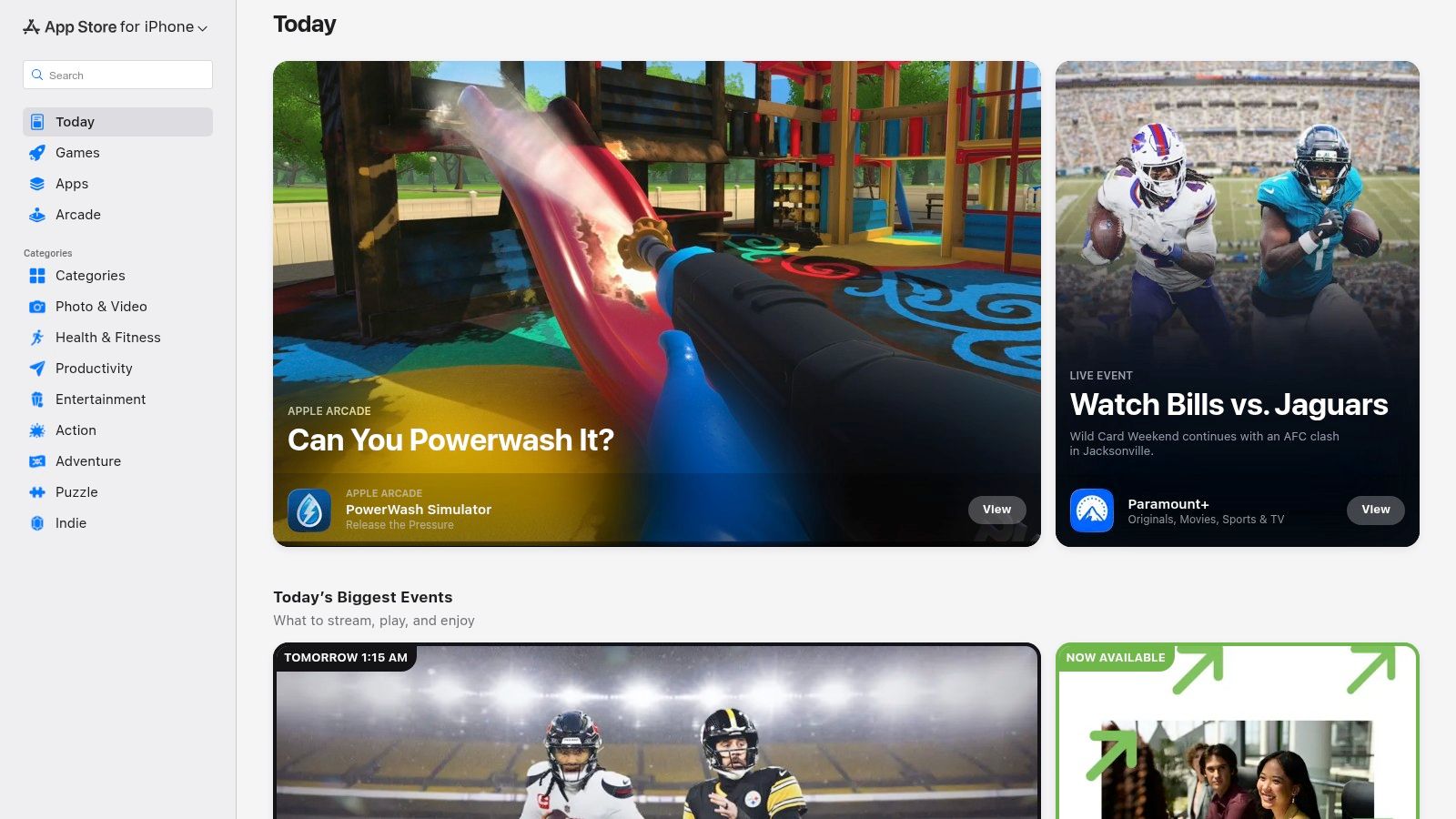
What makes the App Store stand out is Apple's stringent App Review process. Every app is vetted for security, privacy, and functionality, which significantly reduces the risk of downloading malware or scam apps. This "walled garden" approach is a double-edged sword: it offers peace of mind but eliminates the possibility of installing apps from outside sources (sideloading) in most regions.
Key Features and User Experience
The user experience is seamless. Payments, subscriptions, and even refund requests are handled directly through your Apple ID, providing a centralized and trusted system. Editorial curation and user ratings help surface quality apps, although sometimes prices can be higher than on other platforms.
- Pros:
- High Trust & Safety: Rigorous app review and anti-fraud measures protect users.
- Seamless Integration: Purchases and subscriptions are tied to your Apple ID.
- Cons:
- Closed Ecosystem: Sideloading is not permitted, limiting app choice.
- Higher Costs: Some apps and subscriptions may be more expensive.
Practical Tip: When searching for Snapchat-related tools, use creative keywords like "video editor" or "photo vault" to find legitimate apps that can help you manage and secure the media you save from other sources, like a desktop downloader.
Website: https://apps.apple.com/
3. Google Play Store
For the vast majority of Android users, the Google Play Store is the go-to repository for discovering and installing 3rd party apps. It’s the official marketplace for Android phones, tablets, and even Chromebooks, offering a massive catalog of applications. While its policies prohibit explicitly modified clients like Snapchat++, it serves as the primary, trusted source for legitimate tools that can complement your social media experience.
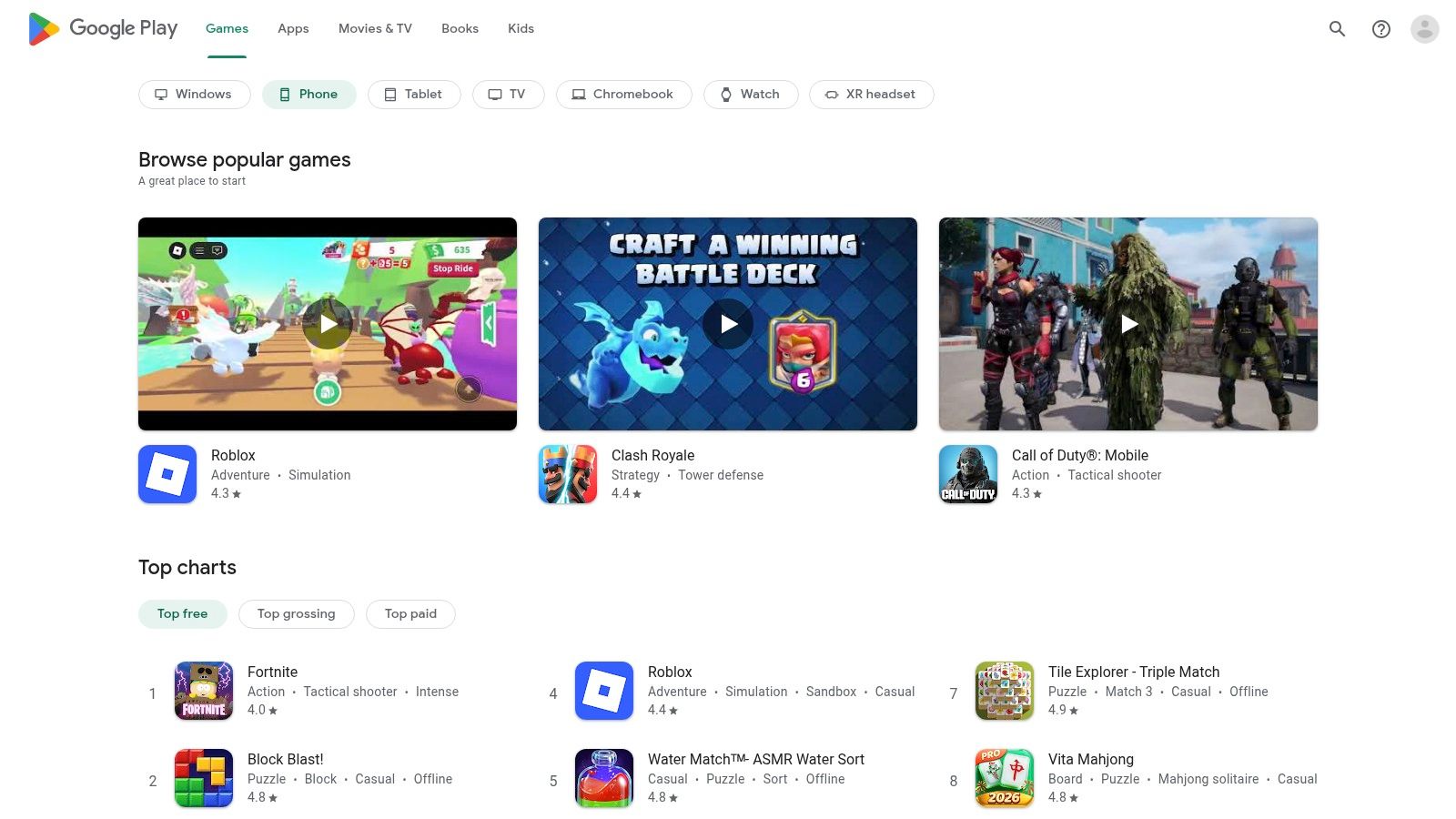
What makes the Google Play Store unique is its balance between openness and security. Unlike Apple's locked-down ecosystem, Android allows for sideloading, but the Play Store itself provides a layer of safety with Google Play Protect. This service scans apps for malicious behavior, offering a safer alternative to downloading APKs from untrusted websites. It integrates directly with your Google account, streamlining updates and purchases.
Key Features and User Experience
The user experience is built around discovery and convenience. Features like Family Library, wishlists, and automatic updates make managing apps effortless. Google’s powerful search and recommendation algorithms help you find what you need, while device compatibility filtering ensures you only download apps that work on your specific hardware.
- Pros:
- Massive App Catalog: An unparalleled selection of apps for nearly any purpose.
- OS Integration: Seamless updates and security scanning via Google Play Protect.
- Cons:
- Regional Restrictions: App availability can vary significantly by country.
- Device Fragmentation: Some apps may not be compatible with your specific device.
Practical Tip: To find useful companion apps for Snapchat, search for "screen recorder" or "private gallery" on the Play Store. These legitimate tools can help you archive memories from various sources, including media you've downloaded to a desktop, without violating platform terms.
Website: https://play.google.com/store
4. Microsoft Store
For Windows users, the Microsoft Store is the official, integrated hub for discovering and installing 3rd party apps. While often associated with games and mainstream software, it serves as a secure and centralized marketplace for tools that can complement your desktop workflow, including those useful for managing media from platforms like Snapchat Web. It's the safest alternative to downloading random .exe files from unverified websites.
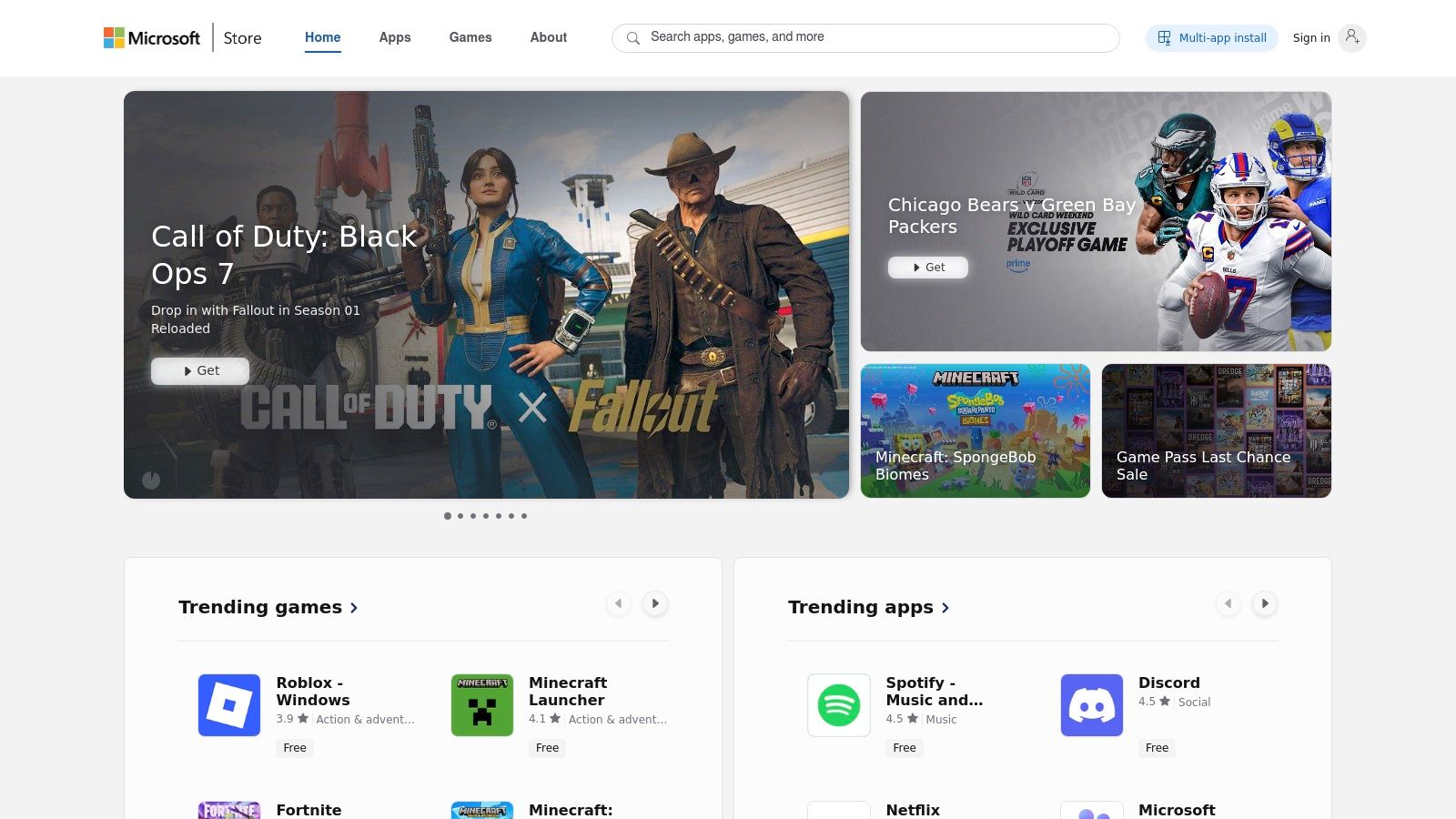
What makes the Microsoft Store valuable is its security and convenience. Apps are vetted to some degree, reducing the risk of malware compared to direct downloads. All purchases, updates, and licenses are managed through your Microsoft account, which simplifies reinstalling your essential tools after a system reset or on a new PC, providing a much smoother desktop experience.
Key Features and User Experience
The user experience is straightforward, with a web storefront that hands off installations to the desktop app. This single-account system works across Windows devices and even syncs game purchases with Xbox. While not every developer lists their app here, it’s a reliable first stop for finding trusted utilities like screen recorders or video editors that can help you archive your digital memories.
- Pros:
- Safer Downloads: A more secure alternative to downloading
.exefiles from the web. - Centralized Management: Easy to reinstall apps and manage licenses across PCs.
- Safer Downloads: A more secure alternative to downloading
- Cons:
- Limited Selection: Many popular Windows apps are not available on the Store.
- Region Restrictions: Some applications are not available in all countries.
Practical Tip: Use the Store to find high-quality screen recorders or capture tools. These desktop-based apps operate outside the Snapchat ecosystem, allowing you to save content from Snapchat Web without triggering notifications, a much safer method than risky mobile mods.
Website: https://apps.microsoft.com/store/apps
5. Chrome Web Store
For those who prefer using Snapchat on a desktop, the Chrome Web Store is an essential resource for finding powerful 3rd party apps in the form of browser extensions. It's Google's official marketplace for Chrome and Chromium-based browsers, offering tools that can enhance your web-based workflows, including how you interact with platforms like Snapchat Web.
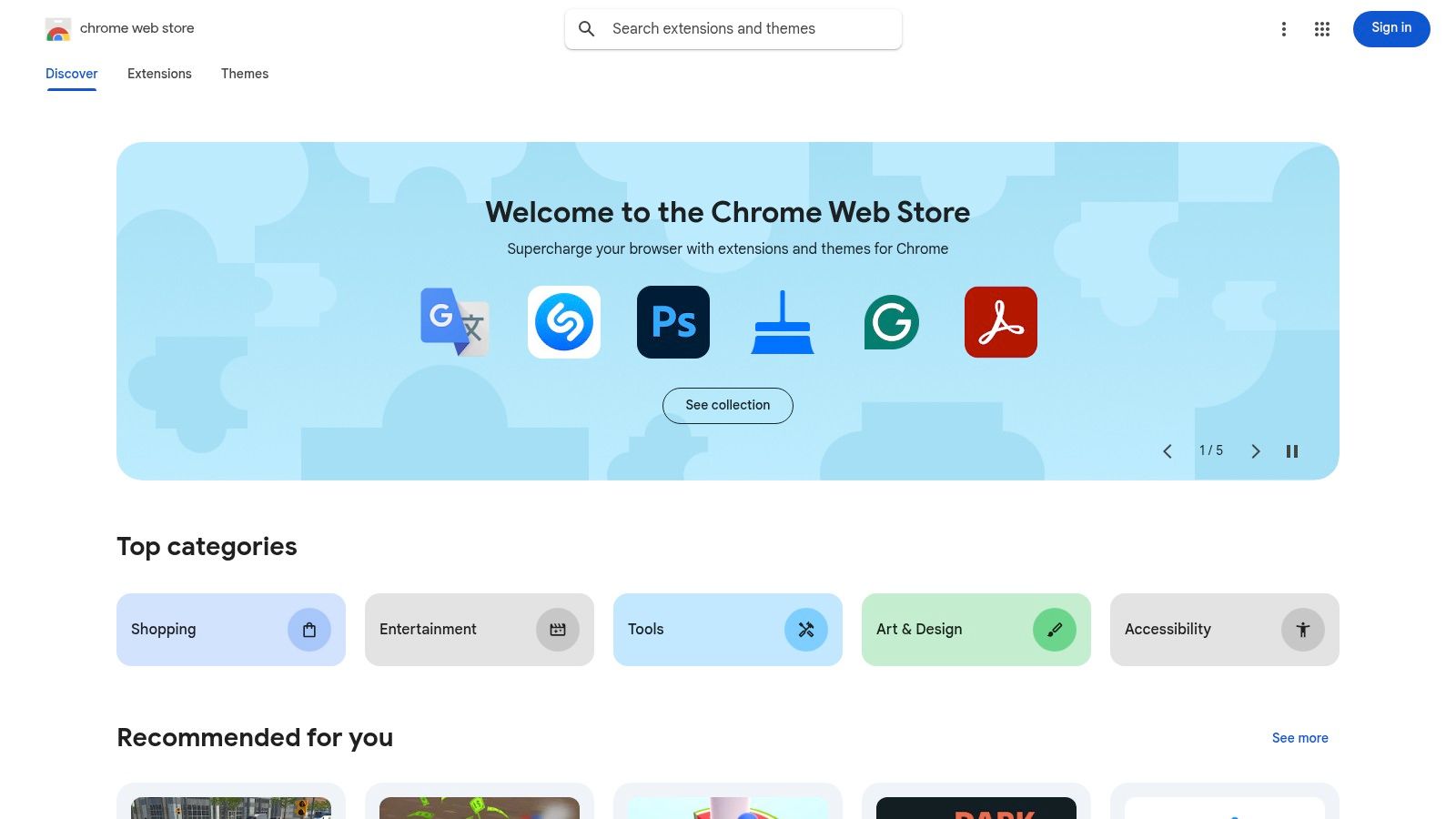
What makes the Chrome Web Store stand out is its direct integration with the browser. Extensions can add new features, like screen recorders or automation tools, that operate alongside Snapchat Web. This "desktop advantage" provides a different, often safer, way to archive memories compared to risky mobile mods that can lead to account bans. The one-click install process syncs your chosen tools across all your signed-in Chrome instances.
Key Features and User Experience
The user experience is straightforward, with a massive catalog of over 100,000 extensions. Discovery is aided by categories and an "Editors' Spotlight" section. However, the quality of extensions can vary wildly, making it crucial to read reviews and, most importantly, check the permissions an extension requests before installing it.
- Pros:
- Direct Integration: Adds functionality directly to your browser for seamless use with web apps.
- Cross-Platform Support: Works on any device running a Chromium-based browser, including Windows and macOS.
- Cons:
- Variable Quality: Many extensions are low-quality or abandoned; careful vetting is required.
- Security Risks: Users must carefully review permissions to avoid granting excessive access to data.
Practical Tip: When looking for tools to save content from Snapchat Web, search for "screen recorder" or "page capture" extensions. These general-purpose tools are less likely to violate Snapchat's terms and can help you archive important conversations or media without interacting directly with the app's code.
Website: https://chromewebstore.google.com/
6. GitHub
For the more tech-savvy user, GitHub is the ultimate source for 3rd party apps and open-source tools. It's a massive platform where developers host their code, collaborate, and publish official software releases directly to the public. This makes it an excellent place to find powerful utilities, often before they appear anywhere else, and gain transparency into how they work.

What makes GitHub stand out is its direct-from-the-source nature. You can download applications straight from the developer's "Releases" page, ensuring you have the latest, untampered version. For open-source projects, the entire codebase is available for public audit, which adds a layer of trust you won't find on closed-source platforms. Many innovative desktop tools designed for archiving media or enhancing privacy start their life here.
Key Features and User Experience
The user experience is geared toward those comfortable with technology. You'll need to navigate project pages, find the correct downloadable file (like an .exe or .dmg) for your operating system, and often perform a manual installation. The "Issues" tab on a project's page serves as a public forum for bug reports and support, offering direct interaction with developers.
- Pros:
- Direct Developer Access: Get the newest versions and updates immediately.
- High Transparency: Open-source projects allow for code verification and security audits.
- Cons:
- Requires Vetting: Users must be careful to download from reputable developers.
- Manual Installation: Less user-friendly than an app store; may require extra steps.
Practical Tip: Always check a project's "Releases" page for pre-compiled binaries. If you find a desktop downloader or media archiver, look for checksums (like SHA-256) provided by the developer to verify your download hasn't been altered.
Website: https://github.com/
7. Product Hunt
Product Hunt is a discovery platform for tech enthusiasts, offering a daily-updated feed of new and emerging tools. For users seeking innovative 3rd party apps, it's like a sneak peek into the future, showcasing everything from AI-powered video editors to novel desktop utilities that haven't hit the mainstream yet. It's not a store but a community hub where creators launch their products and gather real-time feedback.
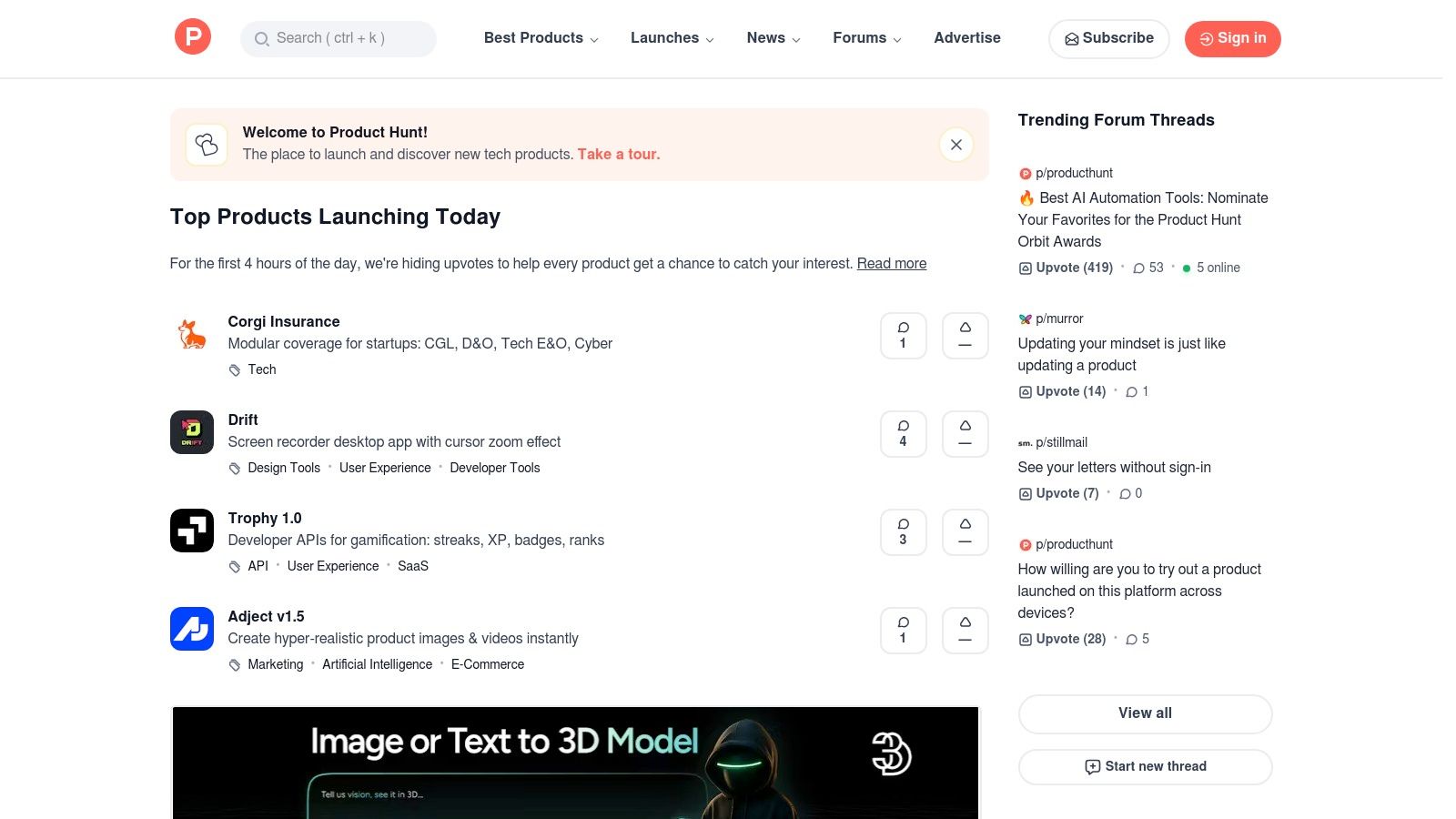
What makes Product Hunt unique is its upvote-driven ranking and community discussion. You can see what's trending, read comments directly from makers and early adopters, and often find exclusive launch-day deals. This provides a raw, unfiltered look at a new app's potential and its reception, which is invaluable when evaluating cutting-edge tools that could complement platforms like Snapchat.
Key Features and User Experience
The user experience is straightforward: browse daily launches, filter by category, and join discussions. It’s an excellent way to find undiscovered gems before they become popular. However, since it's a launchpad and not a marketplace, you'll be redirected to the app's official website or app store page for the actual download and purchase.
- Pros:
- Discover Trending Apps: A great pulse on what's new and gaining traction in the tech world.
- Community Feedback: Direct access to reviews and discussions with the developers.
- Cons:
- Varying Quality: Many products are in early beta or MVP stage and may be buggy.
- Not a Store: It's a discovery tool, so downloads happen off-platform, requiring you to vet each source.
Practical Tip: Use Product Hunt to search for "desktop screen recorder" or "privacy tools." You might discover a new desktop solution like SnapNinja that operates independently, providing a safer way to archive your memories from Snapchat Web without the risks associated with mobile mods.
Website: https://www.producthunt.com/
8. Setapp
For Mac and iOS power users, Setapp offers a different approach to acquiring 3rd party apps. Instead of buying apps individually, it's a subscription service that provides access to a curated catalog of premium software for a single monthly fee. This model is perfect for those who need a suite of professional tools, including utilities that can enhance how you manage media saved from other platforms.
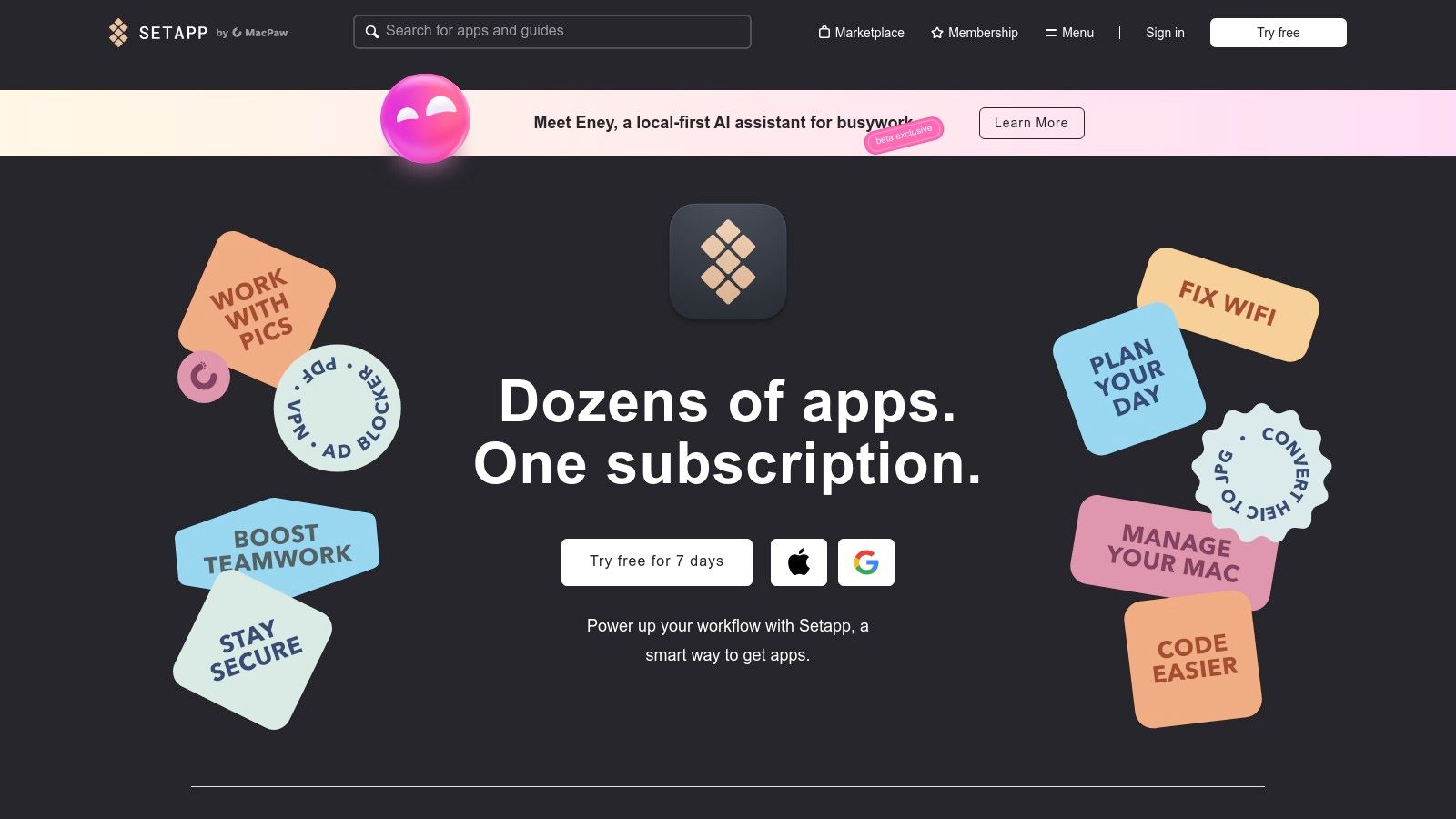
What makes Setapp stand out is its high-quality curation. Unlike massive app stores, every app in the collection is vetted for quality, usefulness, and security, eliminating the risk of downloading junkware. While you won't find modified Snapchat clients, you will discover powerful screen recorders, download managers, and file converters that can be used to archive and manage content from desktop sources like Snapchat for Web.
Key Features and User Experience
The platform operates like a "Netflix for apps," providing a seamless user experience. You install the Setapp client, browse the catalog, and install any app you need with a single click. All apps are the full, professional versions with no ads or in-app purchases, and updates are included. Pricing starts with a 7-day free trial, with plans for Mac-only, Mac+iOS, or multi-Mac users.
- Pros:
- Excellent Value: Cost-effective if you regularly use several of the included professional apps.
- High-Quality Curation: Reduces the risk of low-quality or unsafe software.
- Cons:
- Subscription Model: You lose access to the apps if you cancel your subscription.
- Limited Catalog: Does not include every popular app available on the Mac App Store.
Practical Tip: Use Setapp's screen recording and video downloading apps as part of a desktop-based strategy. This method is often safer for your account than using tweaked mobile apps, as it operates outside the official Snapchat environment.
Website: https://setapp.com/
9. F-Droid
For Android users who prioritize privacy and transparency, F-Droid is an essential alternative to the Google Play Store for finding 3rd party apps. It's a curated repository dedicated exclusively to Free and Open-Source Software (FOSS), making it a haven for privacy-conscious individuals seeking apps that respect their data. While you won't find mainstream commercial apps here, you will discover powerful utilities and alternatives that are often unavailable elsewhere.
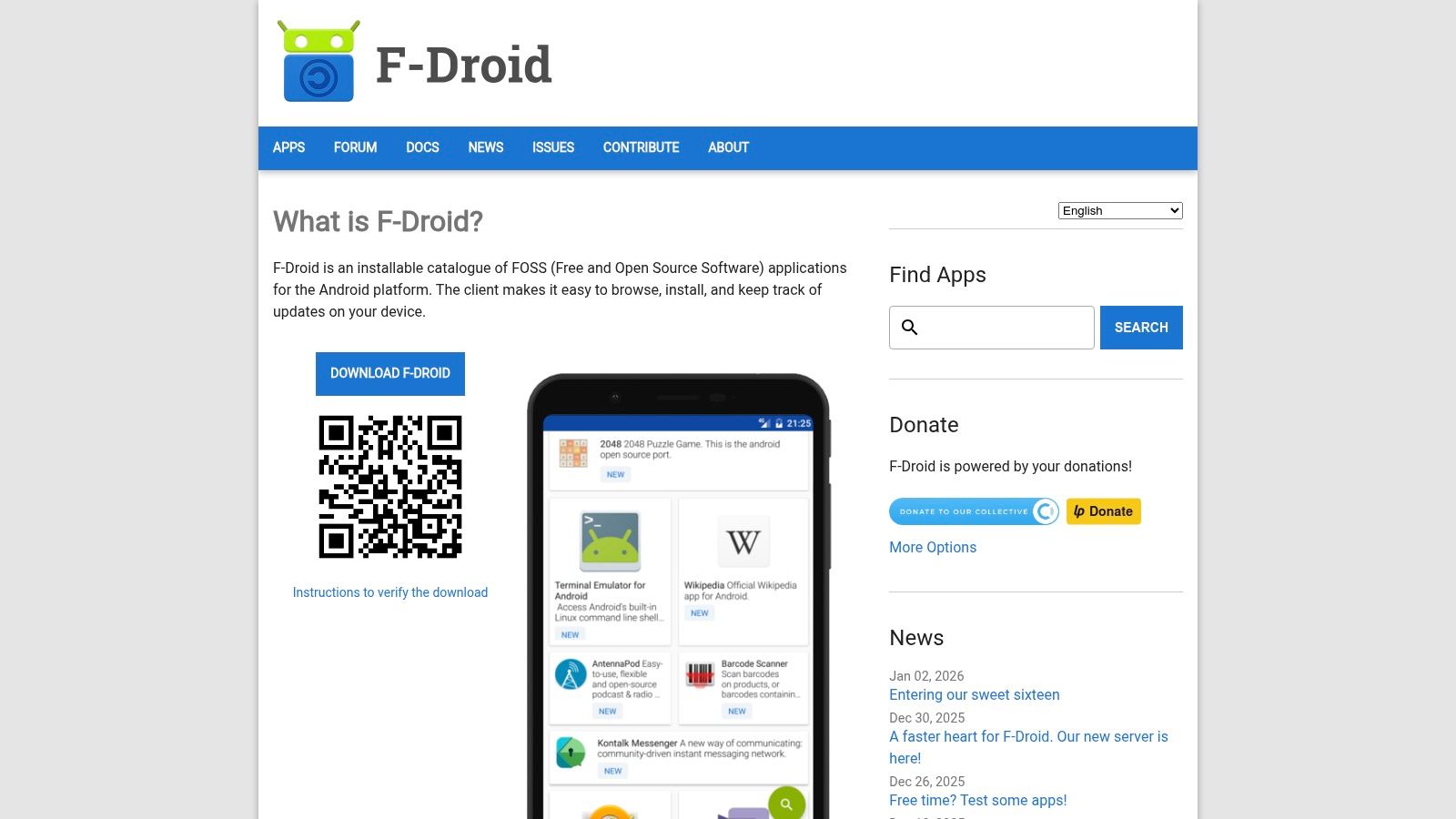
What makes F-Droid unique is its firm stance on transparency. The platform flags apps with "anti-features" like tracking, advertising, or dependencies on non-free software, so you know exactly what you're installing. With cryptographic signature checks and reproducible builds, it offers a level of security and user control that is unparalleled, operating entirely outside the Google ecosystem without requiring an account to download anything.
Key Features and User Experience
The experience is straightforward, focusing on function over flash. Users can install the F-Droid client to manage apps directly or download APKs from the website. Its commitment to open-source principles means every app's source code is available for inspection, providing the ultimate form of trust and security for those who value it.
- Pros:
- Strong Transparency & Privacy: Clear labeling of "anti-features" like ads and trackers.
- Good Source for Utilities: Find unique tools and apps not permitted on Google Play.
- Cons:
- Smaller App Catalog: The selection is much smaller than the Play Store's.
- Manual Updates: If installing APKs from the web, you may need to update them manually.
Practical Tip: F-Droid is an excellent source for privacy-focused tools like open-source file managers or secure media vaults. These can be used to organize and protect content you save from other sources, such as a desktop-based Snapchat downloader, keeping your archived memories separate and secure.
Website: https://f-droid.org/
10. APKMirror
For Android power users, APKMirror is an essential resource for finding and downloading 3rd party apps outside the confines of the Google Play Store. It serves as a massive, trusted archive of original app files (APKs), making it the go-to place for accessing older versions of apps like Snapchat, downloading region-blocked applications, or getting the latest updates before they roll out to your device.
What makes APKMirror a standout is its commitment to security and authenticity. Maintained by the team behind the reputable Android Police blog, every APK is verified to ensure it's a genuine, unaltered file from the original developer. This significantly reduces the risk associated with sideloading apps from unknown sources, offering a much safer alternative to random download sites.
Key Features and User Experience
The platform is straightforward, allowing you to search for any app and browse its entire version history. You can find specific variants tailored to your phone's architecture, which is crucial for compatibility. While installation requires enabling "Install from Unknown Sources" on your device, the process is well-documented.
- Pros:
- High Trust & Safety: Cryptographic signature checks ensure APKs are original and unmodified.
- Extensive App Archive: Access virtually any past version of an app.
- Cons:
- Requires Manual Installation: Users need to understand sideloading and select the correct APK variant.
- No Automated Scanning: Does not offer the same real-time security scanning as the Play Store.
Practical Tip: If you're looking for an older version of Snapchat to use with a specific tool or due to an unpopular update, APKMirror is your most reliable source. Always download the version labeled "nodpi" unless you are certain of your device's specific screen density requirements.
Website: https://www.apkmirror.com/
11. StackSocial
While not a direct source for app downloads, StackSocial is a popular marketplace for heavily discounted software licenses, making it a goldmine for finding powerful 3rd party apps at a fraction of their retail price. It's the digital equivalent of a treasure hunt for tech-savvy users looking to acquire premium desktop utilities, VPNs, and creative tools without paying a premium. For Snapchat users, this is where you might find deals on video editors or screen recorders for your desktop.
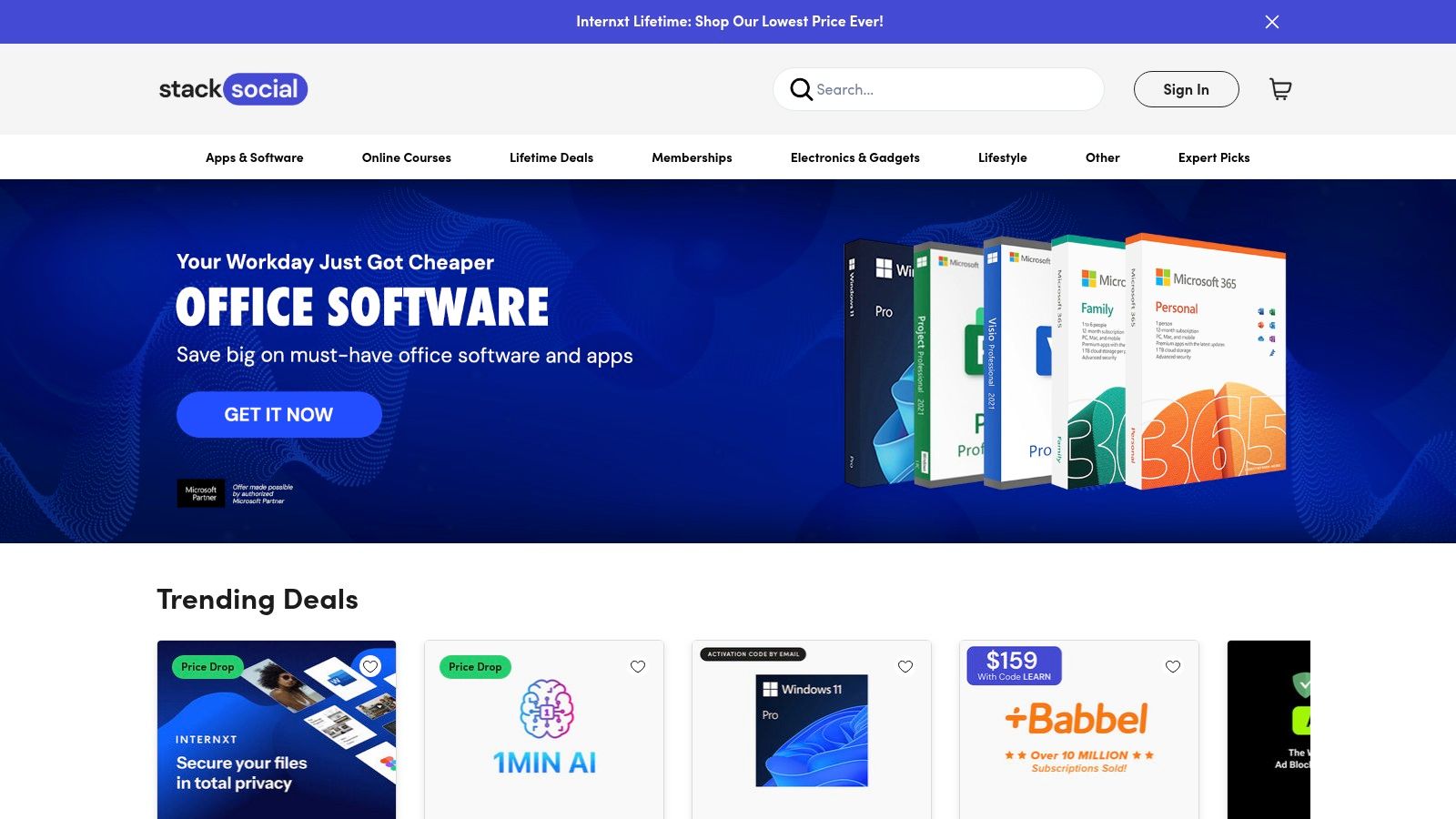
What makes StackSocial unique is its focus on lifetime deals and curated bundles. Instead of monthly subscriptions, you can often pay a one-time fee for lifetime access to an application. This model is particularly appealing for users who prefer to own their software outright, providing a cost-effective way to build a toolkit of desktop apps that can enhance how you manage media saved from platforms like Snapchat Web.
Key Features and User Experience
The platform is built around limited-time offers and flash sales, creating a sense of urgency. The user experience is straightforward, with clear instructions for redeeming licenses after purchase. However, the quality and support for the offered software can vary, so checking user reviews and understanding the refund policy for each specific deal is crucial.
- Pros:
- Significant Savings: Deep discounts and lifetime deals offer great value.
- Software Discovery: A good way to find lesser-known but useful desktop utilities.
- Cons:
- Varying Quality: The reputation and support for offered software can be inconsistent.
- Complex Terms: Refund policies and license details can differ significantly between deals.
Practical Tip: Use StackSocial to hunt for deals on high-quality screen capture software or video editing tools for Windows and macOS. These desktop apps are perfect for safely archiving content from Snapchat Web, giving you a more reliable and private way to save memories without the risks associated with mobile mods.
Website: https://stacksocial.com/
12. Amazon Appstore
For users of Fire tablets and Fire TV devices, the Amazon Appstore is the native marketplace for 3rd party apps. It’s Amazon's answer to Google Play, providing a curated selection of applications and in-app purchases tied directly to your Amazon account. While its relevance has narrowed to the Fire ecosystem, it remains an essential resource for those device owners.
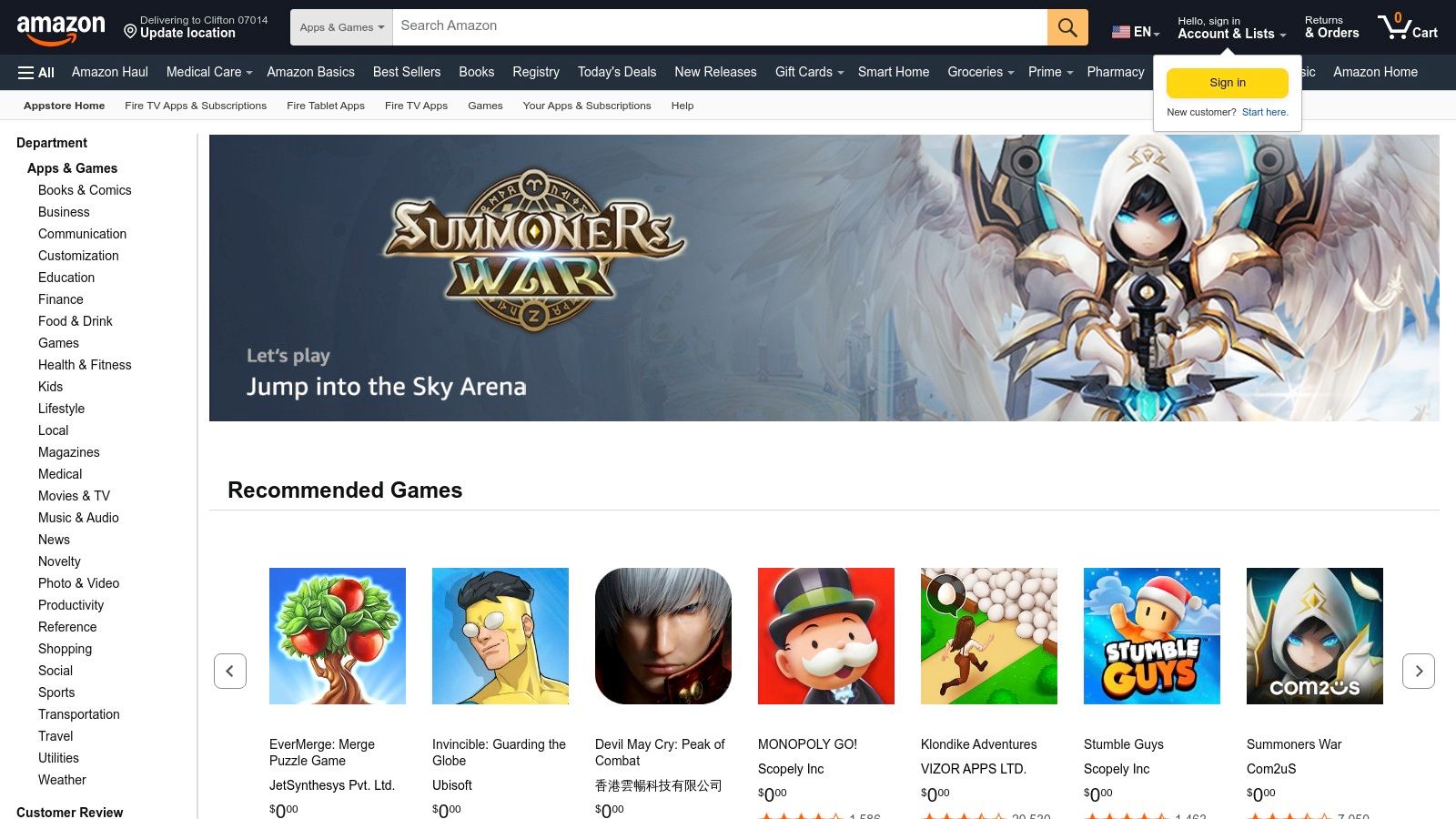
What makes the Amazon Appstore notable is its deep integration with Amazon's hardware and services. This creates a simple, unified experience where your app library syncs across all your Fire devices. However, its support for standard Android phones has ended, and its integration with Windows 11 was also discontinued, significantly limiting its utility outside of Amazon's walled garden.
Key Features and User Experience
The user experience is straightforward for anyone familiar with Amazon. Billing is handled through your main account, and parental controls are robust. Amazon often offers promotional credits and app bundles, providing value specifically for its dedicated users. The selection is tailored for Fire devices, meaning some mainstream apps might be missing.
- Pros:
- Seamless for Fire Devices: Perfectly integrated for owners of Fire tablets and TV.
- Centralized Billing: Uses your existing Amazon account for all purchases.
- Cons:
- Limited Ecosystem: No longer supported on standard Android or Windows 11.
- Niche App Selection: Not as comprehensive as the Google Play Store.
Practical Tip: While you won't find Snapchat mods here, you can search for "file manager" or "photo editor" apps for your Fire tablet. These can help organize media you've archived from other sources, like a desktop tool, and keep your memories sorted within the Amazon ecosystem.
Website: https://www.amazon.com/appstore
12-Platform Third-Party App Comparison
| Product | ✨ Unique features | ★ Trust / Quality | 💰 Pricing / Value | 👥 Target audience |
|---|---|---|---|---|
| SnapNinja 🏆 | ✨ Silent auto‑archive from Snapchat Web; local AES‑256 claims | ★★★ (VirusTotal claimed; legal/ethical risk) | 💰 Undisclosed / download + affiliate links | 👥 Archivists, creators, investigators (use lawfully) |
| Apple App Store | ✨ Editorial curation, app pages, subscriptions | ★★★★★ Trusted review & anti‑fraud | 💰 Varies (paid & subs) | 👥 iPhone/iPad/macOS users, mainstream consumers |
| Google Play Store | ✨ Device filtering, Play Protect, auto updates | ★★★★ Integrated security & updates | 💰 Varies (free + IAP) | 👥 Android users, broad audience |
| Microsoft Store | ✨ Centralized installs, license & update management | ★★★★ Safer than random .exe downloads | 💰 Varies | 👥 Windows users, mainstream utilities |
| Chrome Web Store | ✨ One‑click extensions, synced installs | ★★★★ Official source but quality varies | 💰 Mostly free; some paid extensions | 👥 Chrome/Edge users, browser power‑users |
| GitHub | ✨ Releases, changelogs, source transparency | ★★★★ Transparent; vet binaries | 💰 Free / open‑source | 👥 Developers, power users |
| Product Hunt | ✨ Launches, community feedback & upvotes | ★★★ Early‑stage discovery; variable quality | 💰 Links to external offers | 👥 Early adopters, makers |
| Setapp | ✨ Curated macOS app subscription with updates | ★★★★ Curated, well‑maintained catalog | 💰 $$ (subscription) | 👥 Mac power users, professionals |
| F‑Droid | ✨ FOSS repo, anti‑feature flags, reproducible builds | ★★★★ Strong privacy & transparency | 💰 Free | 👥 Privacy‑minded Android users |
| APKMirror | ✨ Archive of original APKs & version history | ★★★ Useful archive; requires vetting | 💰 Free | 👥 Power users needing older/region APKs |
| StackSocial | ✨ Discounted software bundles & deals | ★★★ Deals vary; verify licenses | 💰 $ (discounts) | 👥 Bargain hunters, deal seekers |
| Amazon Appstore | ✨ Fire device integration & Amazon billing | ★★★ Good for Fire ecosystem | 💰 Varies | 👥 Fire tablet/TV owners |
Your Next Move: Choose Smart, Stay Safe
We've journeyed through the vast and often confusing landscape of 3rd party apps, from the curated, high-walled gardens of the Apple App Store and Google Play to the wild, open-source frontiers of GitHub and F-Droid. The core lesson is clear: not all tools are created equal, and the platform you choose matters just as much as the app itself. Your digital safety and account integrity depend on making informed, strategic choices.
This guide aimed to arm you with the knowledge to navigate that landscape. You now have a framework for evaluating trustworthiness, a checklist for spotting red flags, and a clear understanding of the risks associated with different types of software. We've seen how official stores offer a baseline of security, while alternative platforms like APKMirror demand a higher level of user diligence.
The Critical Takeaway: The 'Desktop Advantage'
If there’s one principle to take away from this entire guide, it’s the Desktop Advantage. When dealing with a closed ecosystem like Snapchat, the riskiest move you can make is trying to modify the mobile app directly. "Modded" or "tweaked" apps that run on your phone are easily detected by Snapchat's systems, often leading to temporary suspensions or even a permanent ban. It's a high-risk gamble with your account and your data.
Desktop-based 3rd party apps operate on a fundamentally safer principle. By interacting with the platform's web version from a separate environment (your Windows or macOS computer), they stay off Snapchat's primary radar. This method avoids altering the core mobile app, making it virtually undetectable and protecting your account from being flagged. This is the cornerstone of smart, private media archival and the only reliable method that bypasses the "Saved to Camera Roll" notification.
Actionable Steps for Choosing Your Tool
So, what's your next move? It depends entirely on your goal. Before downloading any new software, run through this quick mental checklist:
Define Your Need: Are you looking to archive a precious memory from a close friend? Or are you a creator needing to save content for reposting? Your specific use case will determine the right tool. Saving a sentimental video to protect your privacy has different requirements than bulk-downloading content.
Assess the Risk: What is your tolerance for risk? For high-stakes needs like saving sensitive conversations or preserving irreplaceable memories from Snapchat, the answer should always be to minimize risk. This means steering clear of mobile hacks and embracing the desktop advantage.
Evaluate the Source: Revisit our guide on trustworthy platforms. Is the app from a reputable developer on a platform like Setapp or Product Hunt, or is it from a random download link on a forum? Always default to sources that vet their software and have a community of real users.
Prioritize Privacy and Discretion: The whole point of using a specialized tool is often to bypass notifications and protect your privacy. Does the tool you're considering, like SnapNinja, explicitly operate in a way that prevents the "Saved to Camera Roll" notification? If it can't guarantee that, it fails at its primary purpose.
Ultimately, the power to enhance your digital experience safely is in your hands. By using the knowledge from this guide, you can confidently select and implement 3rd party apps that serve your purpose without compromising your security or privacy. Remember to use these tools responsibly to archive memories, respect others' privacy, and always think before you click.
Ready to put the 'Desktop Advantage' to work for you? If you need a reliable, safe, and completely undetectable way to archive Snapchat memories without sending notifications, SnapNinja is the purpose-built solution. As one of the most effective desktop-based 3rd party apps designed for this exact task, it ensures your privacy and account safety come first. Learn more and get started with SnapNinja today.