The Ultimate 2026 Guide to 12 Third Party Apps for Snapchat
Snapchat's disappearing messages are great for casual moments, but sometimes you need to archive a conversation, save a key memory, or just keep receipts without sending up a red flag. Let's be real: finding safe and reliable third party apps for Snapchat feels like a minefield. Most of the "tweaked" apps you'll find for iOS or Android are a fast track to getting your account banned because Snapchat's mobile app can easily detect them.
This guide cuts through the BS. We'll show you how to securely and privately save snaps, chats, and stories using the "Desktop Advantage." This method works on your Windows or macOS computer, operating completely outside the Snapchat app's environment, making it way safer and virtually undetectable. The goal here is smart privacy—archiving memories and protecting yourself, not spying.
We'll walk through a curated list of tools, from dedicated desktop solutions like SnapNinja that bypass notifications entirely, to creative platforms for making your own content. Each entry breaks down what it does, its core features, and the pros and cons. Think of this as your go-to Reddit-style guide for getting more out of Snapchat while keeping your account safe.
1. SnapNinja
SnapNinja is our top pick for one simple reason: it nails the "Desktop Advantage." Instead of a sketchy mobile app, it’s a smart utility for Windows and macOS designed to let you archive Snapchat media without anyone knowing. This is the key difference—while mobile hacks get you banned, SnapNinja's desktop method is much safer because it operates outside the official app's environment where detection happens.
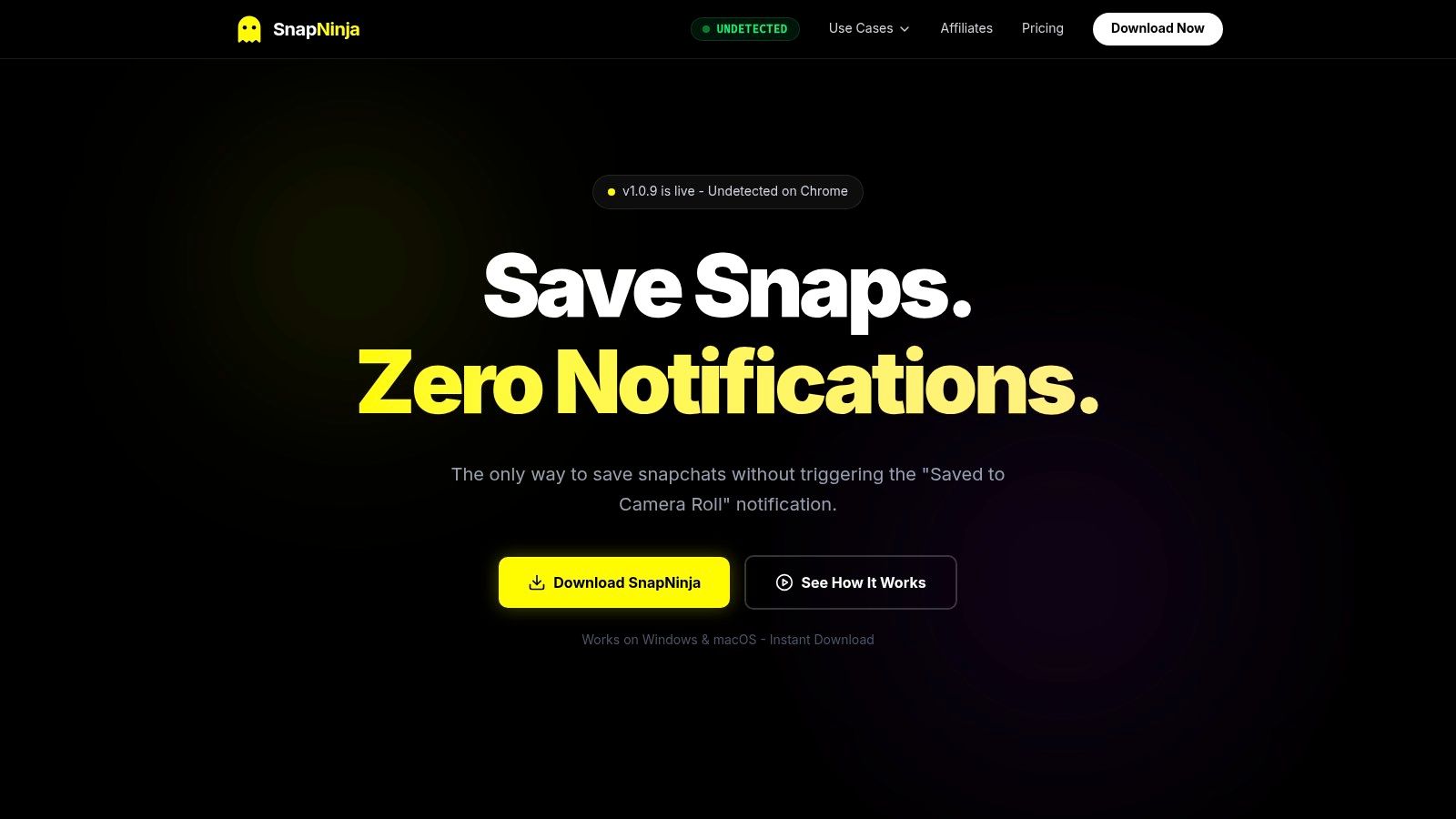
The app is built around the idea of smart privacy and archiving memories. It’s not about spying; it’s about giving you the power to save your own conversations or sentimental moments from Snapchat Web. The process is dead simple: install the desktop app, log into Snapchat on your browser, and SnapNinja automatically saves any snaps, videos, or Stories you view to a private folder on your computer. It’s the only reliable solution that completely bypasses the dreaded "Saved to Camera Roll" notification because it never touches the mobile app. For a quick, no-install option, you can also download Snapchat stories online using our free web tool.
Key Features & Benefits
What makes SnapNinja the go-to solution is its secure, local-first design that flies under Snapchat's radar.
- Local-Only Storage: All your saved media goes directly to your hard drive. Nothing is ever uploaded to a random cloud server, so your private content stays private.
- Automated Archival: It’s a "set it and forget it" tool. Once it's running, it captures media in the background as you browse Snapchat Web. No more clumsy screen recording.
- Security & Privacy: The creators emphasize its AES-256 encryption and even provide a VirusTotal verification badge, showing they're serious about security. This focus on privacy is perfect for anyone wanting a truly Snapchat anonymous workflow.
- Cross-Platform: Works on both Windows and macOS, making it accessible for pretty much any desktop user.
Website: https://snapninja.app
2. Snap AR Creator Marketplace
For creators and brands looking to make their Snapchat presence pop, the Snap AR Creator Marketplace is the official, legit way to get custom augmented reality Lenses. Think of it less as an app and more as Snap's own freelance hub for AR pros. You can commission unique filters and experiences from a pool of vetted experts, ensuring everything is high-quality and plays by the rules.
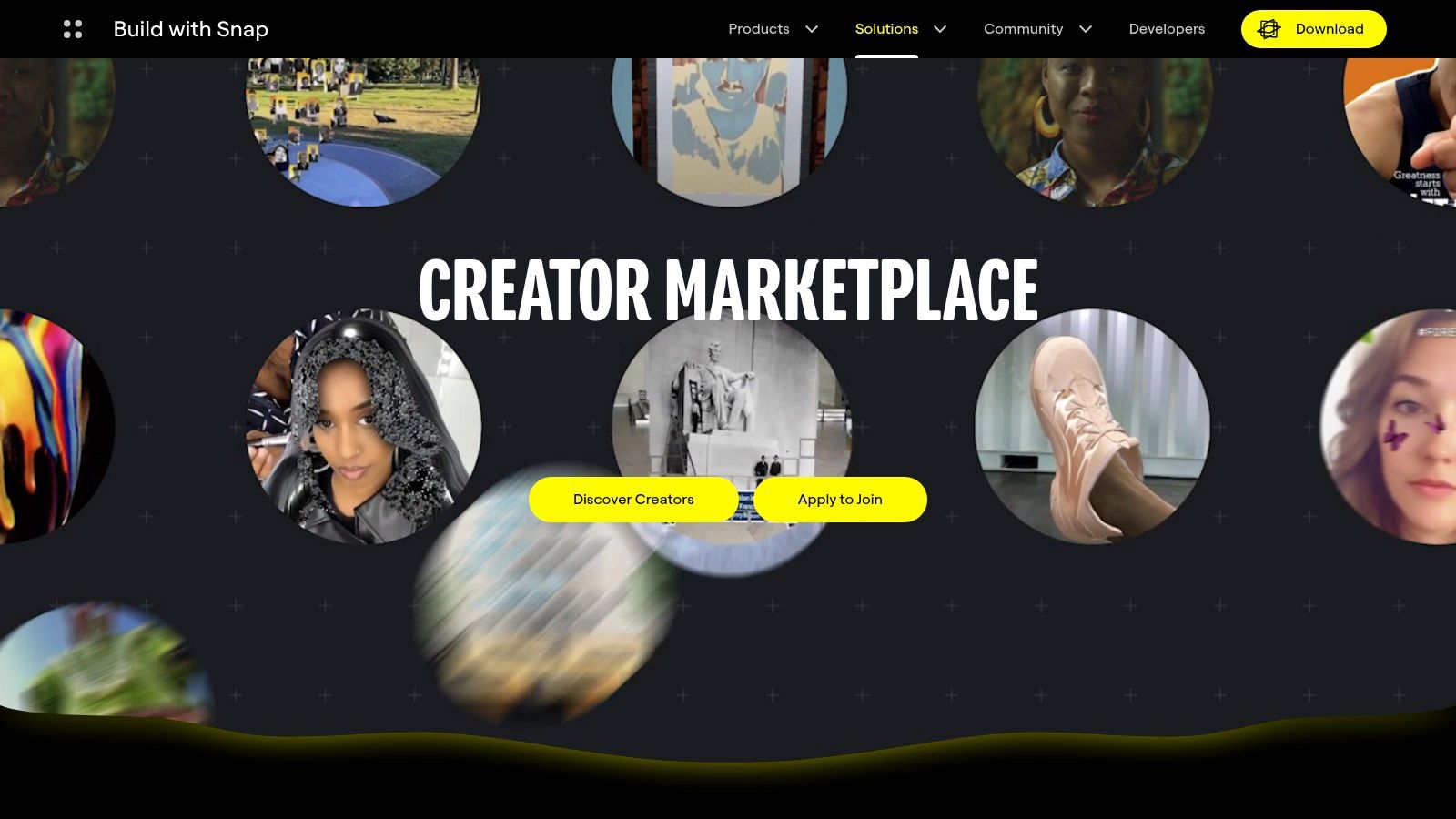
This marketplace is great because it’s a secure, integrated system. You can browse creators by specialty or budget, buy pre-made Lens Packs for quick campaigns, and manage the whole process through a Snap Business Manager account. It’s the brand-safe way to get professional-grade AR without the guesswork.
Key Details & Access
- Access: You'll need a Snapchat Business account to buy and manage projects.
- Pricing: Custom quotes per project; rates vary a lot between creators.
- Pros: Direct access to Snap-approved talent, so you know the quality is there.
- Cons: Not for casual users. It can be pricey and depends on creator availability.
Website: https://ar.snap.com/creatormarketplace
3. Lenslist
If you're looking for inspiration for your next AR project, Lenslist is your spot. It's a massive, searchable library of AR effects and Snapchat Lenses. It's not a tool for making things directly, but rather a powerful research platform to see what’s possible. You can browse thousands of Lenses, filter by category, and even create mood boards to plan your campaign.
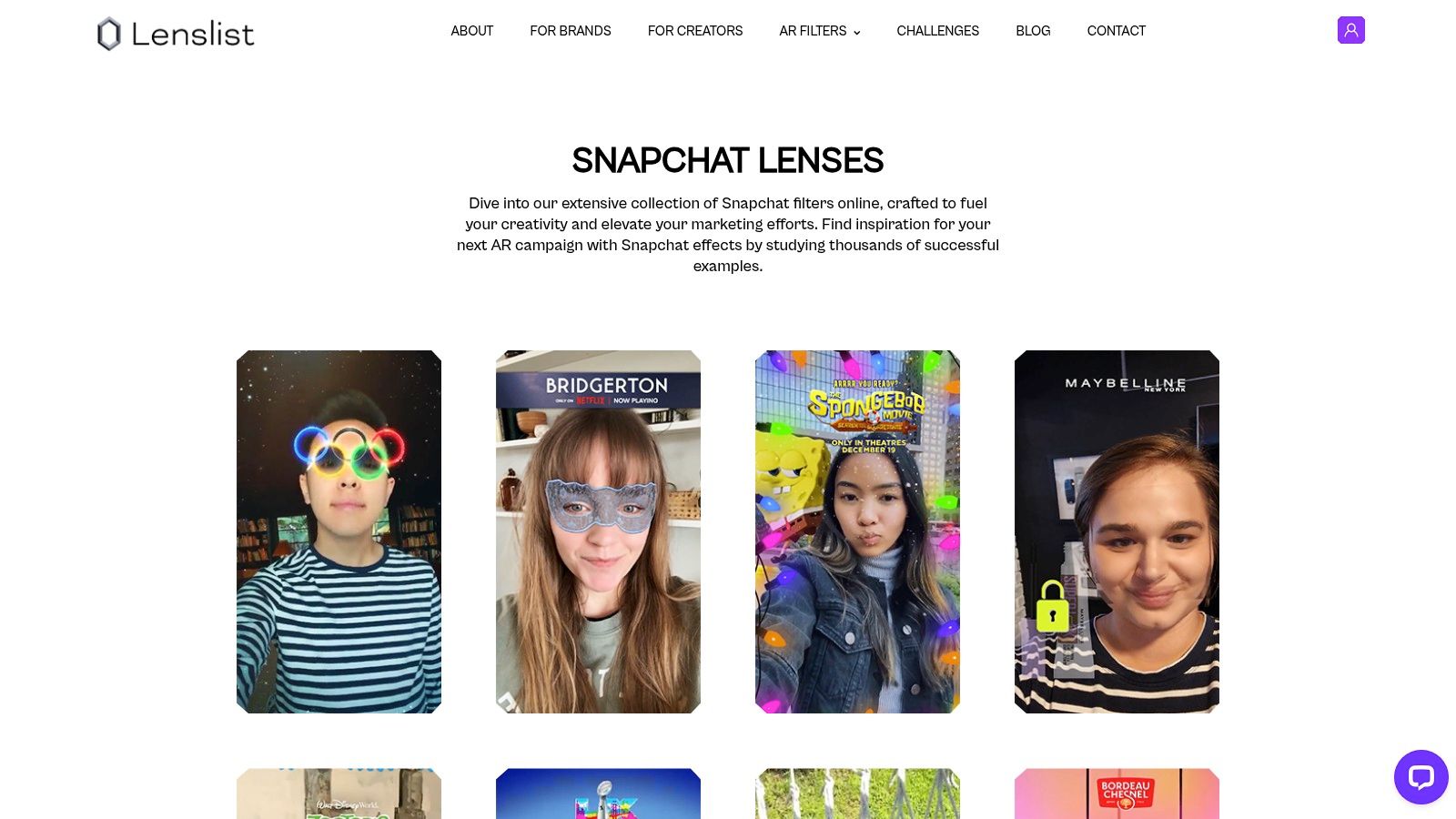
Lenslist is awesome for streamlining the creative process. Teams can collaborate on research boards, shortlist effects, and find creators for their projects. While you can't hire people directly through the platform like Snap's official marketplace, it gives you all the tools and connections you need to find the right talent and then contract them separately.
Key Details & Access
- Access: Free to browse; paid plans offer advanced tools for teams.
- Pricing: Basic discovery is free; custom pricing for agency plans.
- Pros: Speeds up creative research and competitive analysis. A must for agencies.
- Cons: It's a research and connection tool, not a marketplace. You handle hiring yourself.
Website: https://content.lenslist.co/snapchat-lenses/
4. Fiverr
Need a custom Snapchat geofilter or Lens on a budget? Fiverr is a massive freelance marketplace that connects you with thousands of designers. It’s not a dedicated app, but more like a creative engine for Snapchat. You can find people to create geofilter art, build simple Lenses, or prep your assets for submission. It's the perfect spot to find affordable talent for anything from a birthday party filter to a small brand promotion.
Fiverr's strength is its huge selection and fixed-price gigs. You can check out portfolios, compare styles, and order a project in just a few minutes. The platform handles payments securely and has built-in messaging to manage the whole thing. While not an app itself, it's a go-to resource for tapping into third-party creativity without spending a ton.
Key Details & Access
- Access: Open to anyone through the Fiverr website or mobile app.
- Pricing: Gig-based, with prices starting as low as $5 and going up from there.
- Pros: Tons of sellers and price points; quick turnaround times are common.
- Cons: Quality can be hit-or-miss. You're usually responsible for submitting the final art to Snapchat and making sure it follows their rules.
Website: https://www.fiverr.com/
5. Etsy
You might not think of Etsy for Snapchat, but it's a goldmine for unique, event-based geofilters. It’s a huge marketplace where indie designers sell thousands of affordable and editable geofilter templates for weddings, birthdays, and parties. This DIY approach makes it one of the most accessible third party apps for Snapchat users who want a custom look without the professional price tag.
What's cool about Etsy is that you get instant-download files (like PNGs or PSDs) that you can edit yourself. Many sellers even use simple online tools like Templett, so you can change the text and colors right in your browser. It's perfect for last-minute event planning.
Key Details & Access
- Access: Open to anyone with an Etsy account. Templates are digital downloads.
- Pricing: Most templates are cheap, usually between $5 and $15.
- Pros: Super low cost, easy to customize, and you get the file right away.
- Cons: You have to submit the filter to Snapchat and pay their fee yourself, and there's no guarantee it'll be approved.
Website: https://www.etsy.com/market/snapchat_geofilter
6. Canva
Canva isn't an app that plugs into your Snapchat account, but it's an essential tool for creating custom Snapchat Geofilters that look professional. It's a web-based graphic design platform that makes the whole process super easy, offering ready-to-use templates sized perfectly for Snapchat. This makes it a go-to for anyone wanting to create assets for events or businesses without needing any real design skills.
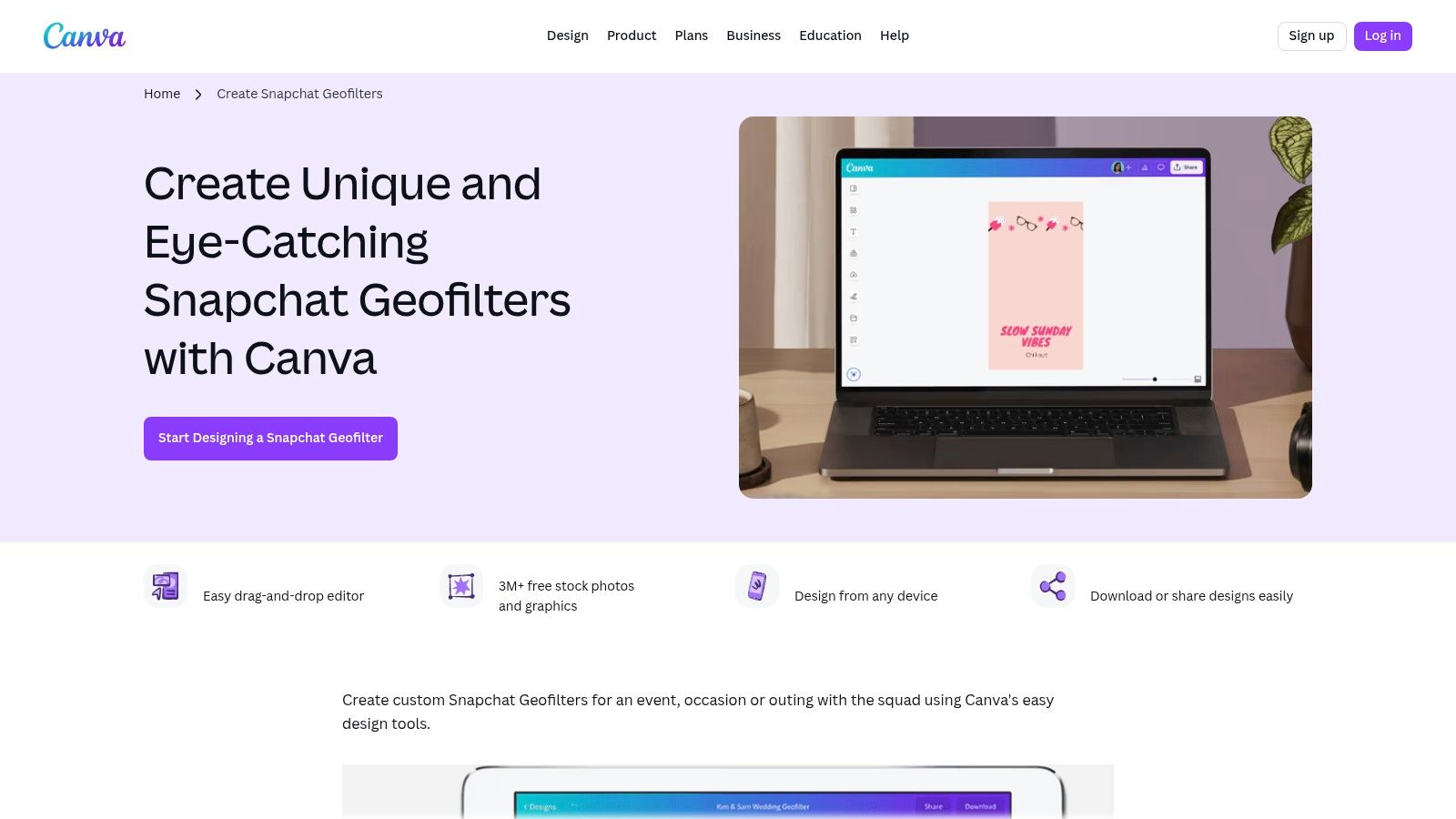
Canva's big win is making good design accessible to everyone. Its drag-and-drop editor, massive library of fonts and graphics, and preset 1080x1920 pixel canvases ensure your final design meets Snapchat's technical requirements. You can export your creation as a transparent PNG, which is exactly what you need for geofilter submissions, making the whole workflow smooth.
Key Details & Access
- Access: Browser-based, no download needed. Free and paid (Canva Pro) accounts available.
- Pricing: The free version is very capable; Canva Pro unlocks premium stuff.
- Pros: Extremely easy for non-designers, exports files in the correct format, and has a great free tier.
- Cons: It doesn't submit the geofilter to Snapchat for you. You have to do that part manually.
Website: https://www.canva.com/create/snapchat-geofilters/
7. Kapwing
For creators and social media managers who need to prep polished video for Snapchat, Kapwing is a must-have web tool. It’s not a shady mobile app; it's a powerful browser-based video editor made for repurposing content. It’s perfect for taking a video from TikTok or YouTube and quickly resizing, trimming, and formatting it for Snapchat Stories or Spotlight without needing to install heavy software.
Kapwing really shines with its simple workflow and Snapchat-specific templates. You can instantly set your canvas to the 9:16 aspect ratio and use its tools to trim clips to the right length, making sure your content looks native to the platform. This makes it an invaluable tool for anyone managing social campaigns or just wanting to make high-quality Snaps from existing videos on their desktop—a much safer play than using risky third party apps for Snapchat.
Key Details & Access
- Access: Web-based, works in any browser on desktop or mobile.
- Pricing: Free plan with a watermark; paid plans start at $16/month (billed annually) for watermark-free, higher-quality exports.
- Pros: Fast and easy for repurposing video for Snapchat and other vertical platforms. No installation needed.
- Cons: The free version has a watermark, and you'll need to subscribe for higher resolution and advanced features.
Website: https://www.kapwing.com/
8. Adobe (Snapchat geofilter tutorials and templates)
For design pros and businesses that need top-tier, on-brand Snapchat geofilters, Adobe is the definitive resource. It’s not a standalone app, but a collection of official Illustrator templates and detailed tutorials that plug right into a professional Creative Cloud workflow. This makes it one of the best third-party resources for creating polished assets that meet Snapchat's exact tech specs.
This resource stands out by letting you use powerful tools like Illustrator and Adobe Fonts to create truly custom filters. The step-by-step guides make sure even complex designs are ready for submission, bridging the gap between a creative idea and a live geofilter. It's the ideal setup for brands that demand quality and consistency in their Snapchat marketing.
Key Details & Access
- Access: The tutorial and templates are free, but you need an Adobe Creative Cloud subscription to actually use them.
- Pricing: Resources are free; requires a paid Adobe CC subscription to use the software.
- Pros: Professional-grade workflow, ensures brand consistency, and templates are high-quality.
- Cons: Not for casual users. Snapchat's geofilter program can change, so always check their current guidelines.
Website: https://www.adobe.com/learn/illustrator/web/snapchat-geofilter
9. Sprinklr
For big companies managing a complex social media game, Sprinklr is an all-in-one Customer Experience Management (CXM) platform. This isn't a consumer app, but a heavyweight third-party tool that integrates directly with Snap’s official APIs. This allows marketing teams to publish organic Stories and Spotlight content and manage huge ad campaigns from a single dashboard. It's the enterprise solution for wrangling Snapchat into a larger, governed marketing strategy.
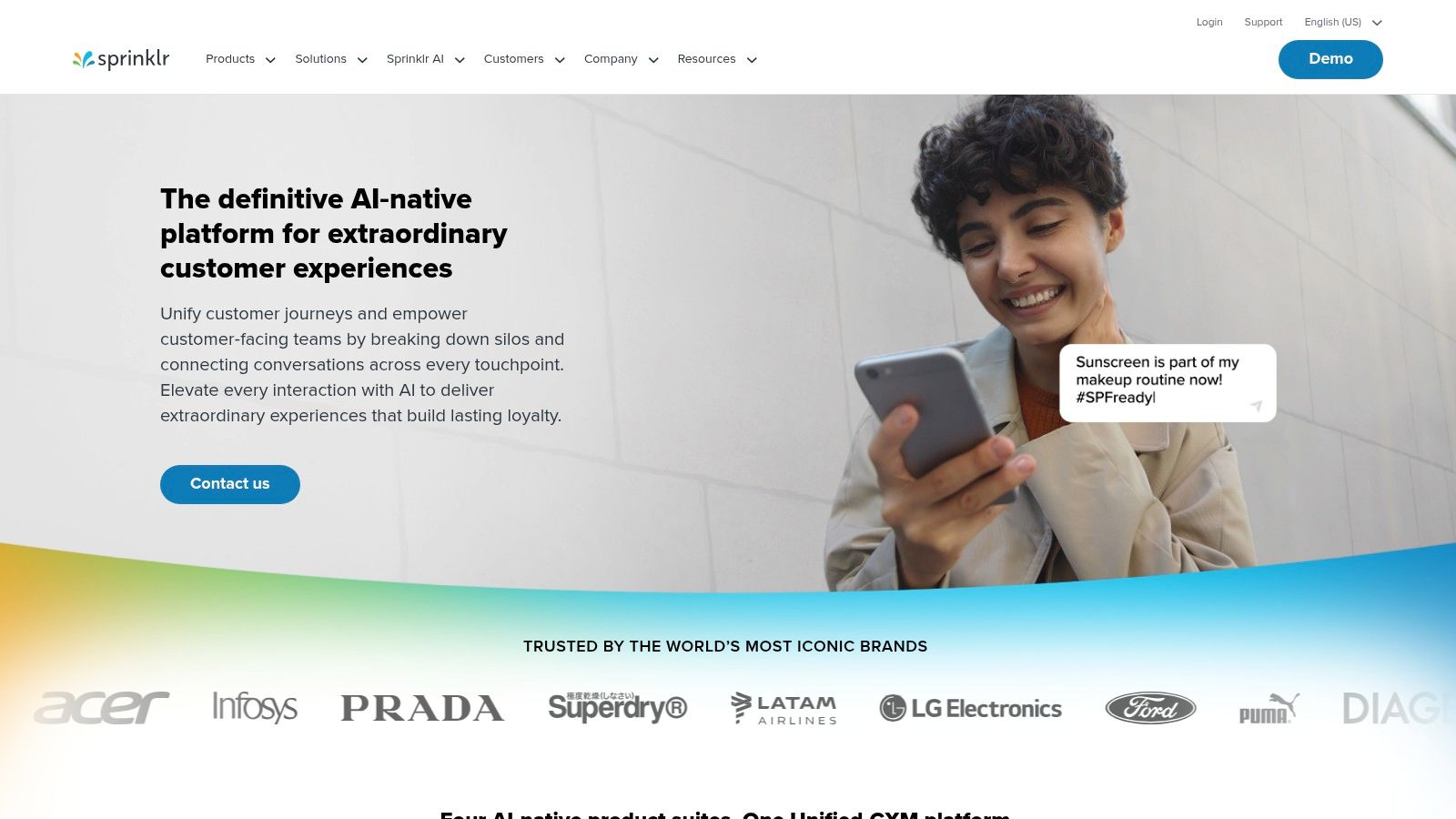
Sprinklr stands out with its robust control and workflow tools, which are essential for large organizations. Teams can manage approvals, set permissions, and connect their Snapchat Ads Manager for unified reporting across all social networks. This central command ensures brand consistency while leveraging both organic and paid Snapchat channels.
Key Details & Access
- Access: Requires an enterprise-level subscription and Snap Business account access.
- Pricing: Quote-based SaaS model; built for large business budgets.
- Pros: Consolidated reporting across channels, enterprise-grade controls, and manages both organic and paid content.
- Cons: Way overkill for individuals or small businesses due to high cost and complexity.
Website: https://www.sprinklr.com/
10. Smartly.io
For serious advertisers running large-scale campaigns, Smartly.io is a powerful platform for creative and media buying. It’s designed to automate and optimize Snapchat advertising way beyond what the native Ads Manager can do. The platform is amazing at connecting product catalogs to dynamic ads, letting e-commerce brands automatically generate and test thousands of ad variations to find what works best.
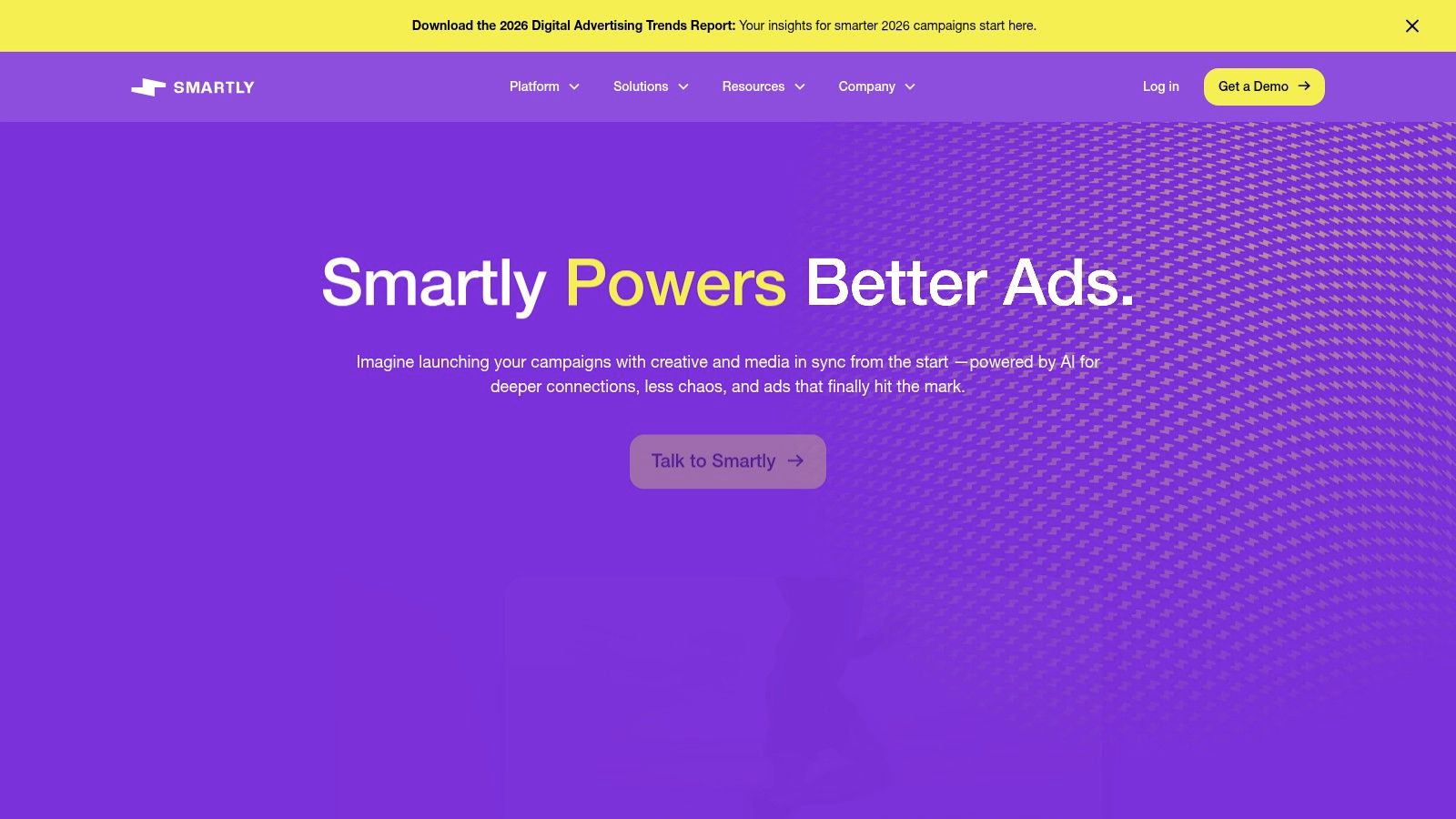
Smartly.io’s biggest strength is centralizing campaign management across multiple social platforms, including Snapchat. Its automation tools are perfect for advertisers with huge product catalogs or those who need to run complex creative tests. This helps teams scale their Snap campaigns efficiently, turning a manual grind into a streamlined, results-driven workflow.
Key Details & Access
- Access: Requires an active Snapchat ad account and is aimed at businesses with a significant ad spend.
- Pricing: Quote-based SaaS model; priced for enterprise-level clients.
- Pros: Advanced automation for creative and catalog sales, centralized multi-platform management, and supercharges A/B testing.
- Cons: Not for small advertisers or casual users; has a steep learning curve and a premium price tag.
Website: https://www.smartly.io/
11. Skai (formerly Kenshoo)
For big-league advertisers and marketing teams, Skai is an enterprise-grade platform that integrates Snapchat ads into a wider performance marketing strategy. It's not a simple third-party app but a powerful, officially recognized tool for managing complex campaigns across search, social, and retail media. It helps businesses build, automate, and analyze Snapchat ad performance alongside all their other digital efforts.
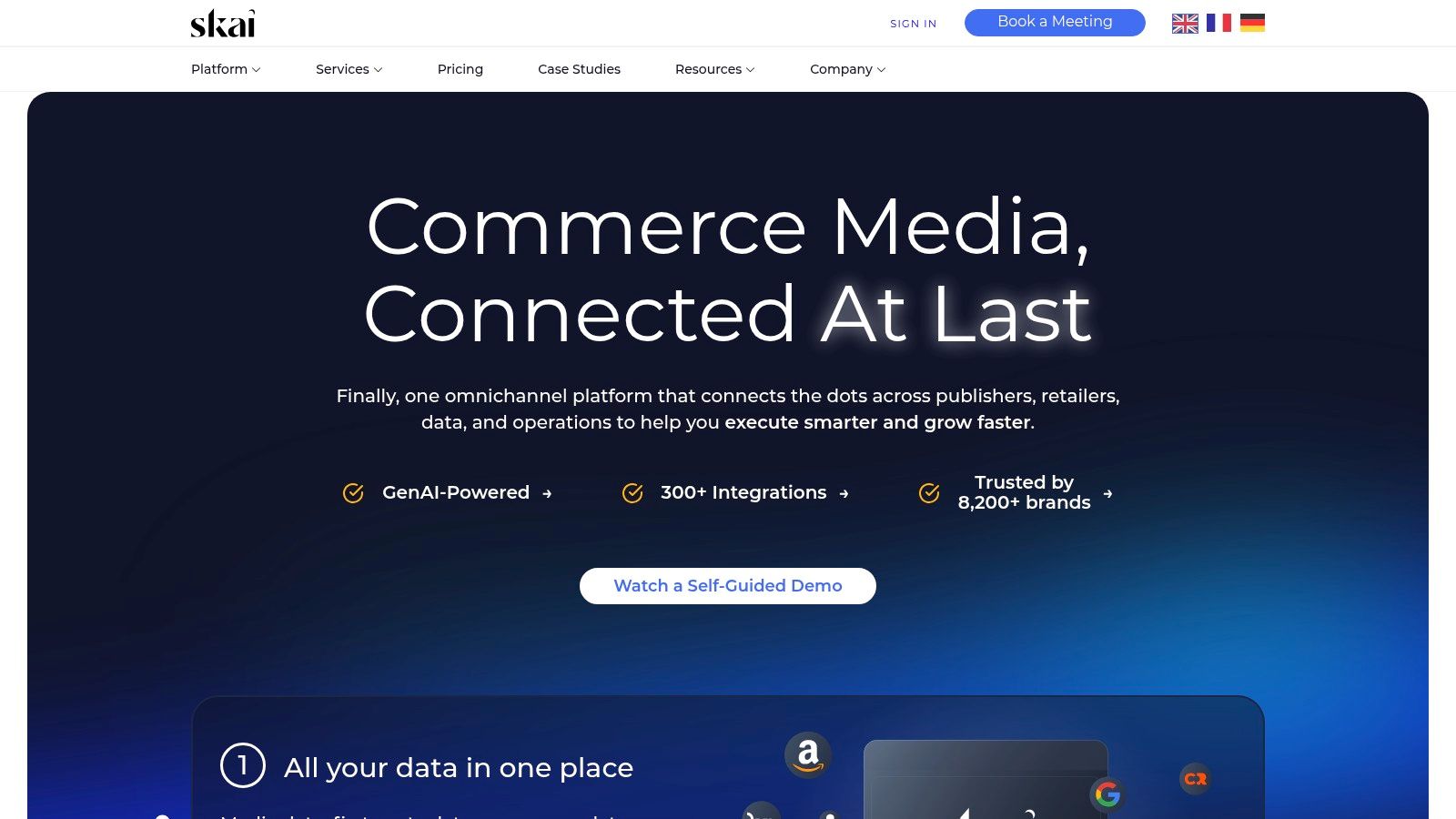
Skai's key advantage is its ability to connect Snapchat results to bottom-line metrics like sales and conversions. By using cross-channel dashboards, marketers get a full picture of the customer journey and can see exactly how Snap ads are contributing to their goals. This makes it an essential tool for teams that need to prove ROI and optimize their budgets at scale.
Key Details & Access
- Access: Designed for enterprise-level advertisers and requires a formal setup.
- Pricing: Quote-based pricing tailored to large advertisers.
- Pros: Officially recognized Snap partner, connects Snap ads to sales data, and offers robust automation.
- Cons: Not for individuals or small businesses; requires a significant investment and training.
Website: https://skai.io/
12. VidMob
For advertisers who are serious about their Snapchat game, VidMob is a powerful creative analytics platform that connects ad creation to performance. It isn't a consumer app but a sophisticated tool for businesses. It links directly to your Snap ad account, analyzing your creatives to give you data-driven insights on what’s working and what isn’t. This makes it one of the most strategic third party apps for Snapchat advertising, turning creative guesswork into a science.
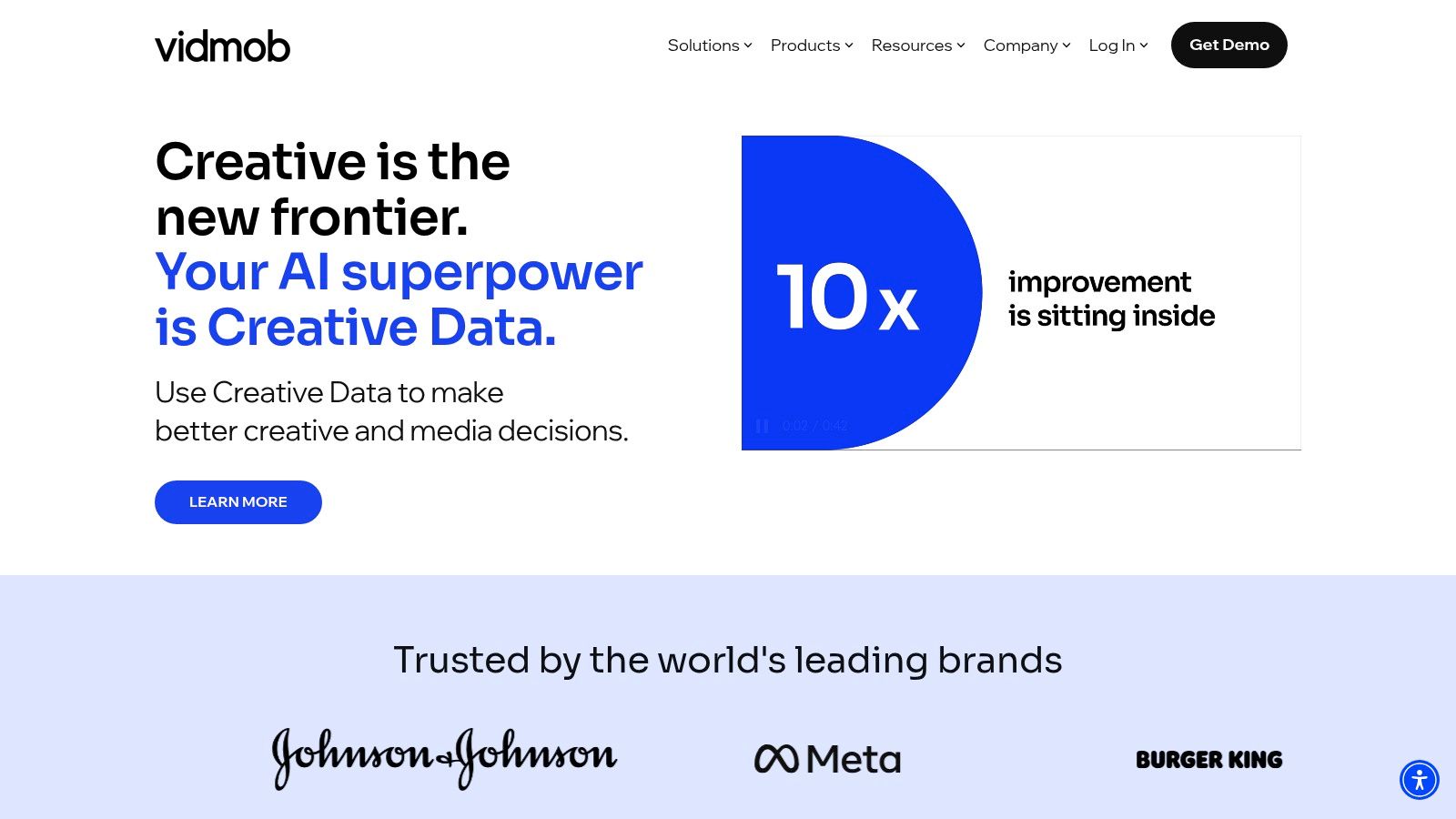
VidMob's killer feature is its on-demand network of vetted pros, including Lens Studio specialists and video editors. The platform analyzes your ad performance and then matches you with creators who can quickly whip up new, optimized creative based on those insights. This loop of analysis, creation, and deployment helps brands rapidly improve their campaign results.
Key Details & Access
- Access: Requires a Snapchat ad account to connect for analytics and creative services.
- Pricing: Custom pricing based on license, production costs, and project fees.
- Pros: Provides data-driven insights to improve Snapchat ads; access to specialized talent on demand.
- Cons: Enterprise-level costs; requires sharing ad account data to get the full benefit.
Website: https://vidmob.com/
Snapchat Third-Party Apps: 12-Tool Comparison
| Product | Core features ✨ | Unique selling point 🏆 | Target audience 👥 | Price / Value 💰 | Quality & Trust ★ |
|---|---|---|---|---|---|
| SnapNinja 🏆 | Auto‑save Snapchat Web to local folder; AES‑256; Windows/macOS | ✨ Background, local auto‑archive of viewed Snaps (undetected claim) | 👥 Creators & users needing private archives (use with consent) | 💰 Paid; privacy‑focused local storage value | ★★★☆☆; VirusTotal signal noted — legal/ToS & ethical risks |
| Snap AR Creator Marketplace | Search vetted Lens creators; buy Lens Packs; Snapcode testing | Official Snap‑approved creator marketplace; brand safety | 👥 Brands & agencies needing compliant Lens work | 💰 Project‑quoted; varies by creator | ★★★★☆; high vetting and platform integration |
| Lenslist | Large Lens catalog; filters; moodboards; team tools | Research & shortlisting hub for creative planning | 👥 Agencies, in‑house teams, creative researchers | 💰 Freemium + paid team tiers | ★★★★☆; great for discovery (non‑transactional) |
| Fiverr | Fixed‑price gigs; portfolios; messaging & escrow | Fast, budget on‑demand Lens/art work and geofilters | 👥 Small businesses & budget advertisers | 💰 Low‑mid per‑gig pricing; transparent offers | ★★★☆☆; quality varies — vet sellers |
| Etsy | Instant‑download editable geofilter templates (PNG/PSD) | Cheap, DIY templates for one‑off events | 👥 Event organizers & DIY users | 💰 Very low cost; one‑off purchases | ★★★☆☆; user handles Snap submission |
| Canva | Drag‑and‑drop editor; Snapchat templates; brand kit | Easy for non‑designers; cloud collaboration & exports | 👥 Small teams, marketers, non‑designers | 💰 Free tier; Pro for advanced assets | ★★★★☆; user‑friendly, design‑only |
| Kapwing | Web video editor; 9:16 presets; resize & trim tools | Fast repurposing for Snapchat formats without installs | 👥 Social editors & creators | 💰 Free w/ watermark; paid for high quality | ★★★☆☆; convenient; watermark/quality limits free tier |
| Adobe (geofilter templates) | Illustrator templates; step‑by‑step tutorials; CC integration | Professional, production‑grade geofilter pipeline | 👥 Design teams & agencies | 💰 CC subscription required | ★★★★☆; pro tools, subscription cost |
| Sprinklr | Publish Stories/Spotlight; Snap Ads integration; governance | Enterprise CXM with approvals, reporting & cross‑channel | 👥 Large enterprises & social ops teams | 💰 Quote‑based enterprise pricing | ★★★★☆; enterprise‑grade, needs onboarding |
| Smartly.io | Creative automation; Snap ad formats; optimization | Scale creative testing & automated media buying | 👥 Advertisers with significant Snap ad spend | 💰 SaaS/quote; ROI‑driven pricing | ★★★★☆; powerful automation for scale |
| Skai (Kenshoo) | Omnichannel campaign build, automation & analytics | Tie Snapchat to lower‑funnel and retail media metrics | 👥 Large advertisers and analysts | 💰 Quote‑based enterprise | ★★★★☆; mature analytics, enterprise focus |
| VidMob | Creative analytics; creator matching; Snap integration | Data‑driven creative optimization + on‑demand talent | 👥 Brands needing creative production + insights | 💰 Platform fees + production costs | ★★★★☆; strong insights; additional production costs |
Final Thoughts
Navigating the world of third party apps for Snapchat can feel like walking a tightrope. On one side, you have powerful creative and professional tools. On the other, you have major risks like privacy breaches and getting your account banned, especially from sketchy "modded" mobile clients. This guide was built to give you a clear map, separating the safe, legit tools from the dangerous shortcuts.
We've covered a wide range of resources. For creators and marketers, platforms like the Snap AR Creator Marketplace, Lenslist, and Fiverr offer legitimate ways to level up your content. Editors like Canva and Kapwing help you prep assets, while enterprise solutions like Sprinklr empower big brands. These are the risk-free, officially supported routes.
Key Takeaways: The Desktop Advantage
The most important takeaway here is the massive difference between mobile hacks and desktop solutions for saving media. Wanting to archive memories or keep receipts is totally normal. But trying to do it with tweaked apps on your phone is a direct violation of Snapchat's rules and the quickest way to get locked out.
This is where the "Desktop Advantage" is your best move for smart privacy. By using your computer, you operate outside the mobile app's detection systems. Tools built for Windows or macOS can capture content without ever "hooking into" the Snapchat app, making the process invisible and much, much safer.
Choosing Your Path Forward
Your choice of tool boils down to your goal. Ask yourself:
- Are you a creator or marketer? Stick to sanctioned tools like Lens Studio, Canva, and official ad platforms. Your account is your business; don't risk it.
- Are you trying to save Snaps privately? Avoid all mobile "saver" apps. Period. Your only truly safe and effective option is a dedicated desktop application that works with Snapchat Web. This method respects the platform's security while giving you the power to archive what you need.
The landscape of third party apps for Snapchat is always shifting. New apps will pop up making big promises, but the principles of safety don't change. Prioritize your account's security, understand the risks, and always lean towards smart, discreet solutions that run on a desktop. It's the only way to enhance your Snapchat experience without putting your account on the line.
Ready to safely and discreetly save your favorite Snaps without triggering notifications? SnapNinja is the definitive desktop solution built for smart privacy, allowing you to archive memories and keep receipts directly from your PC or Mac. Experience the peace of mind that comes with a tool designed to be undetectable by working outside the mobile app environment. Learn more and get started at SnapNinja.