The Ultimate Guide to 12 Private Downloader Apps for 2026
Let's be real: in a world of disappearing content, having a personal archive isn't just nice, it's necessary. Maybe you're trying to keep a permanent copy of a hilarious Snap from a friend, save an important video receipt from a chat, or just archive your own memories before they vanish. But picking the right tool is a minefield. Shady mobile apps often get your account banned, and sketchy online converters are a mess of ads and malware.
This guide cuts through the noise. We're taking a "Smart Privacy" approach—framing this as a way to archive your own memories and keep receipts, not spy. The goal is to give you control over your digital life. We’ll explore the best private downloader apps out there, with a huge focus on the Desktop Advantage. Why desktop? Because running a tool on your Windows or macOS machine is almost always safer and less detectable than a sketchy mobile hack that can get you banned.
Here, you'll find a no-BS breakdown of top-tier tools like SnapNinja, 4K Video Downloader Plus, and yt-dlp. We've got direct links, screenshots, and an honest look at what they do best and where they fall short. This is your go-to resource for finding the right private downloader for your needs, whether you're a casual user saving memories or a creator building a content library. Ready to find the right tool for your digital archive? Let's dive in.
1. SnapNinja
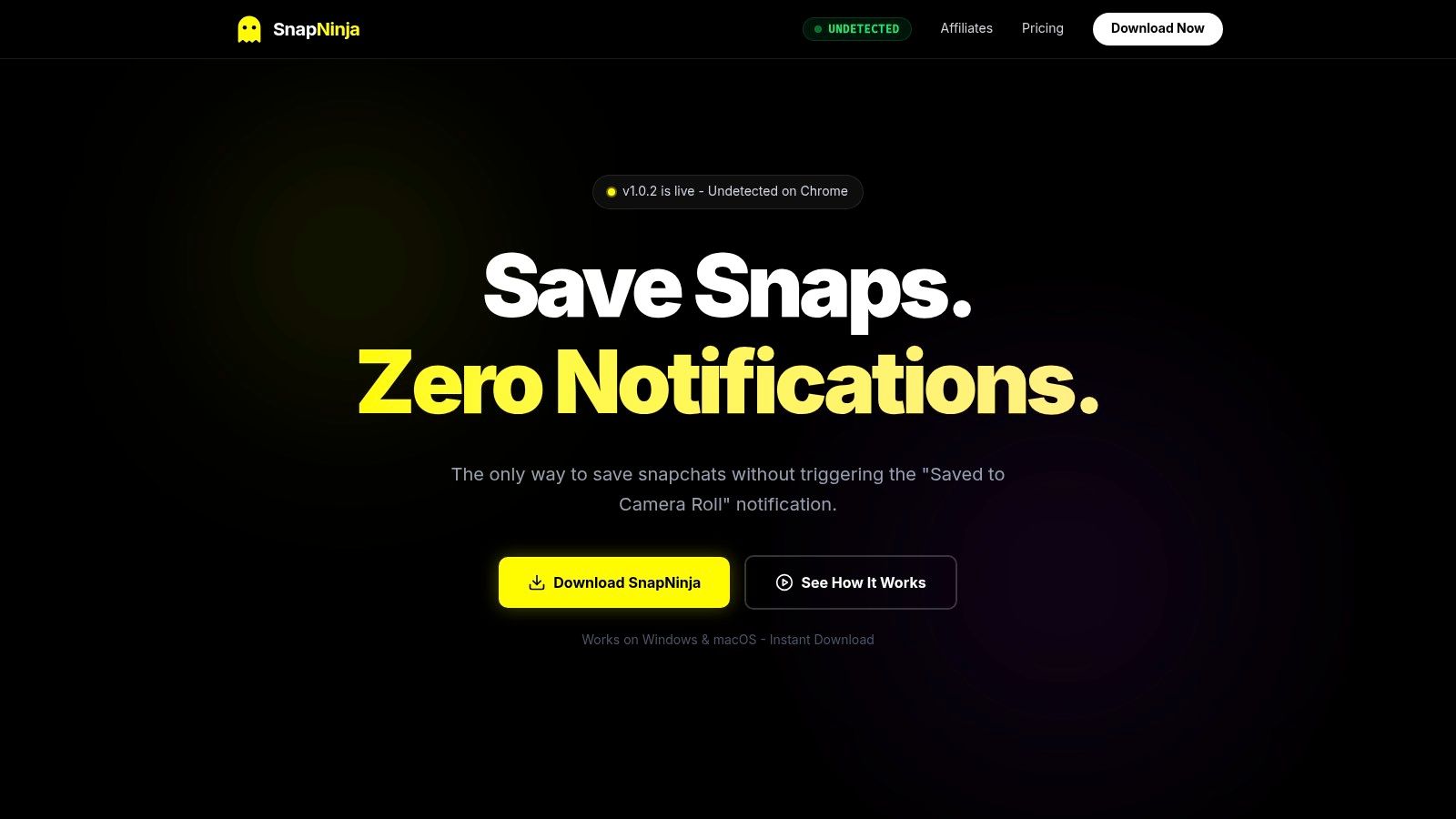
SnapNinja is a slick desktop utility for Windows and macOS built for one specific, crucial job: to privately archive the media you see on Snapchat Web. It works by hooking into your browser session, automatically saving any photos, videos, and stories you view directly to a folder on your hard drive. This makes it the top choice for anyone who wants a reliable way to save Snaps without triggering that dreaded "Saved to Camera Roll" notification.
The core of SnapNinja's power is the Desktop Advantage. While trying to hack the Snapchat app on your phone with third-party tools is a fast track to getting your account banned, SnapNinja operates completely outside of that risky environment. By working with Snapchat Web on your computer, it stays under the radar, making it a much safer and smarter way to archive your memories or keep important chat receipts. It's the only reliable solution that bypasses the save notification because it works from the outside in.
Key Strengths and Use Cases
SnapNinja is all about automation and smart privacy. Once it's running, it works in the background, grabbing media as you view it. No manual clicks needed for every single save. This "set-it-and-forget-it" approach is perfect for a few key scenarios:
- Content Creators: Effortlessly back up your own Stories and Snaps to repurpose them for TikTok or Instagram Reels. The automated flow saves a ton of time compared to screen recording.
- Archiving Memories: Create a permanent, offline backup of funny or important moments shared by friends and family. Since everything is stored locally on your machine, you have total privacy and control.
- Keeping Receipts: Need to document a conversation or save a video for personal records? SnapNinja offers a reliable way to keep a local copy, protecting your privacy.
The app puts a heavy emphasis on security. Local-only storage means your private media never gets uploaded to some random server, and it uses AES-256 encryption for the files it saves. It’s also verified on VirusTotal, which adds a nice layer of trust.
Practical Considerations
While SnapNinja is a powerful tool for privacy, it's crucial to use it ethically. Its ability to save media without sending notifications means you have to respect people's privacy. The developers remind users of this, and it should only be used for archiving your own content or media you have permission to save. Pricing isn't listed on the homepage, so you'll have to hit the website for the current plans.
Website: Explore the features of SnapNinja on their official site
2. 4K Video Downloader Plus (4K Download)
4K Video Downloader Plus is a beast of a desktop app for anyone needing to download private or login-protected content. While most tools just scrape public URLs, this one has an in-app browser. This is a game-changer. You can log into YouTube, Vimeo, or other platforms inside the app to grab members-only videos, online course materials, or private playlists that other downloaders can't touch.
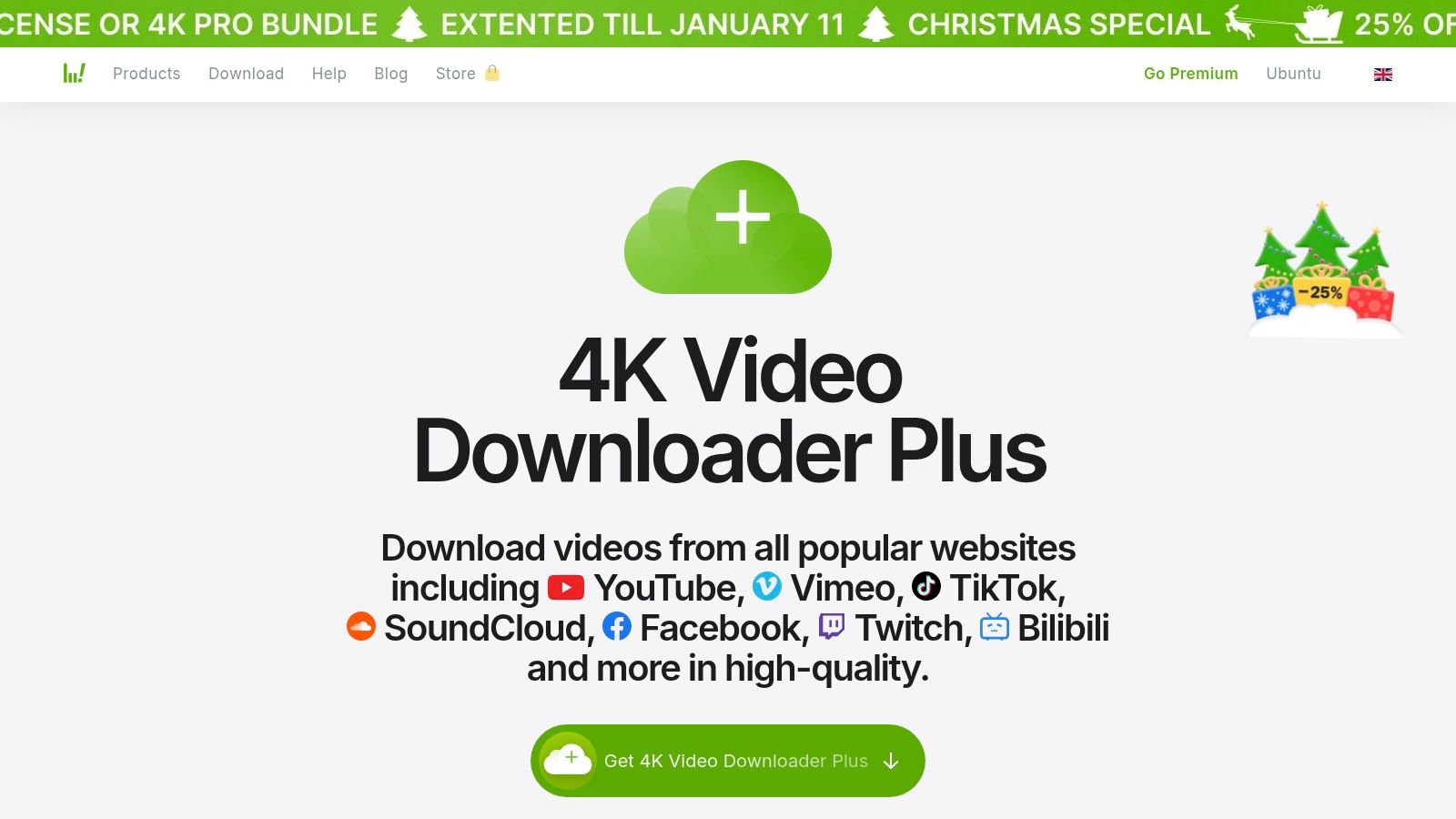
The workflow is dead simple: log in once through its browser, and then you can just paste links to pull content from behind the paywall. It also has proxy support to get around geo-restrictions and can handle downloads up to 8K. This solidifies its place as one of the most versatile private downloader apps for desktop users on Windows, macOS, or Linux.
Key Features & Usage Notes
- Private Content Access: The in-app browser is the star of the show. Log in to your accounts and download videos that aren't available to the public.
- High-Quality Downloads: Supports 4K and 8K video, audio extraction to MP3, and can grab subtitles in various formats.
- Subscription Downloads: Set up auto-downloads for YouTube channels so you never miss a new video from your favorite creators.
Pricing and Platform Availability
The app has a tiered pricing model. There's a free "Starter" plan with limits on daily downloads and playlist sizes. To unlock the real private downloading power, you'll need a paid plan (Lite, Personal, or Pro), which you can get as a one-time purchase or annual sub.
- Website: https://www.4kdownload.com/products/videodownloader
- Pros: Simple "paste link" interface, solid support for private content, actively developed.
- Cons: The best features are behind a paywall; some long-time users were confused by past version changes.
3. yt-dlp (open-source, CLI)
For the true tech-savvy user, developers, and data hoarders, yt-dlp is the undisputed king of command-line downloaders. This free, open-source tool is a fork of the legendary youtube-dl project but gets updated way more often. That means it's quicker to fix things when websites change their code. Its real power is in its insane level of control and scriptability, letting you automate complex download workflows for private or login-protected content.
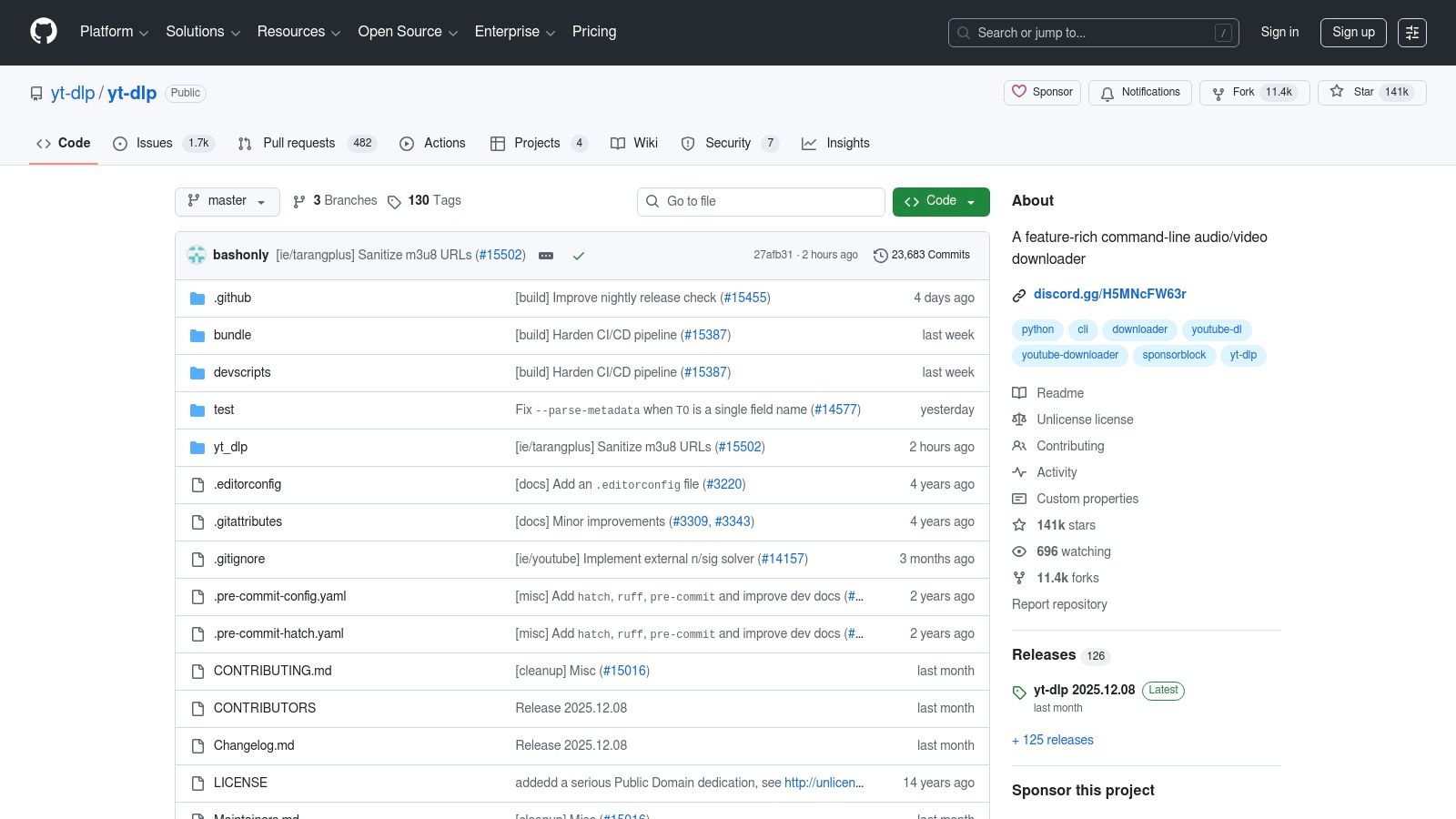
Unlike apps with a GUI, yt-dlp lets you log in by feeding it cookies exported from your browser. This trick lets it access members-only videos, private course materials, or anything else behind a login on thousands of supported sites. When you pair it with FFmpeg for merging video and audio, it becomes one of the most powerful and flexible private downloader apps you can get—perfect for building an automated local media archive. The command line gives you maximum power if you're willing to learn the ropes.
Key Features & Usage Notes
- Authentication via Cookies: Securely access private content by using a
cookies.txtfile you export from your logged-in browser session. - Massive Site Support: It's constantly updated to support a huge list of websites, with quick fixes when sites break things.
- Highly Scriptable: Perfect for automation. You can write scripts to download entire playlists or channel archives, handle metadata, and organize files automatically.
- Advanced Format Control: Full control over video and audio quality, codecs, and container formats, with automatic merging via FFmpeg.
Pricing and Platform Availability
yt-dlp is 100% free and open-source, maintained by a community of volunteers. No paid tiers, no subscriptions, no BS. It's cross-platform and runs on Windows, macOS, and Linux.
- Website: https://github.com/yt-dlp/yt-dlp
- Pros: Free and open-source, updated constantly, super scriptable for automation and private archiving.
- Cons: The command-line interface has a steep learning curve; needs external tools like FFmpeg and browser extensions for cookie exports.
4. JDownloader 2
JDownloader 2 is a legendary open-source download manager known for its raw power and automation. As a cross-platform desktop app, it crushes complex download tasks that would make your browser cry. Its secret weapon is a massive plugin ecosystem that lets it parse links, solve captchas, and handle logins for hundreds of websites. If you need to download stuff from services that require a login, JDownloader can use your account's cookies, making it one of the most versatile private downloader apps around.
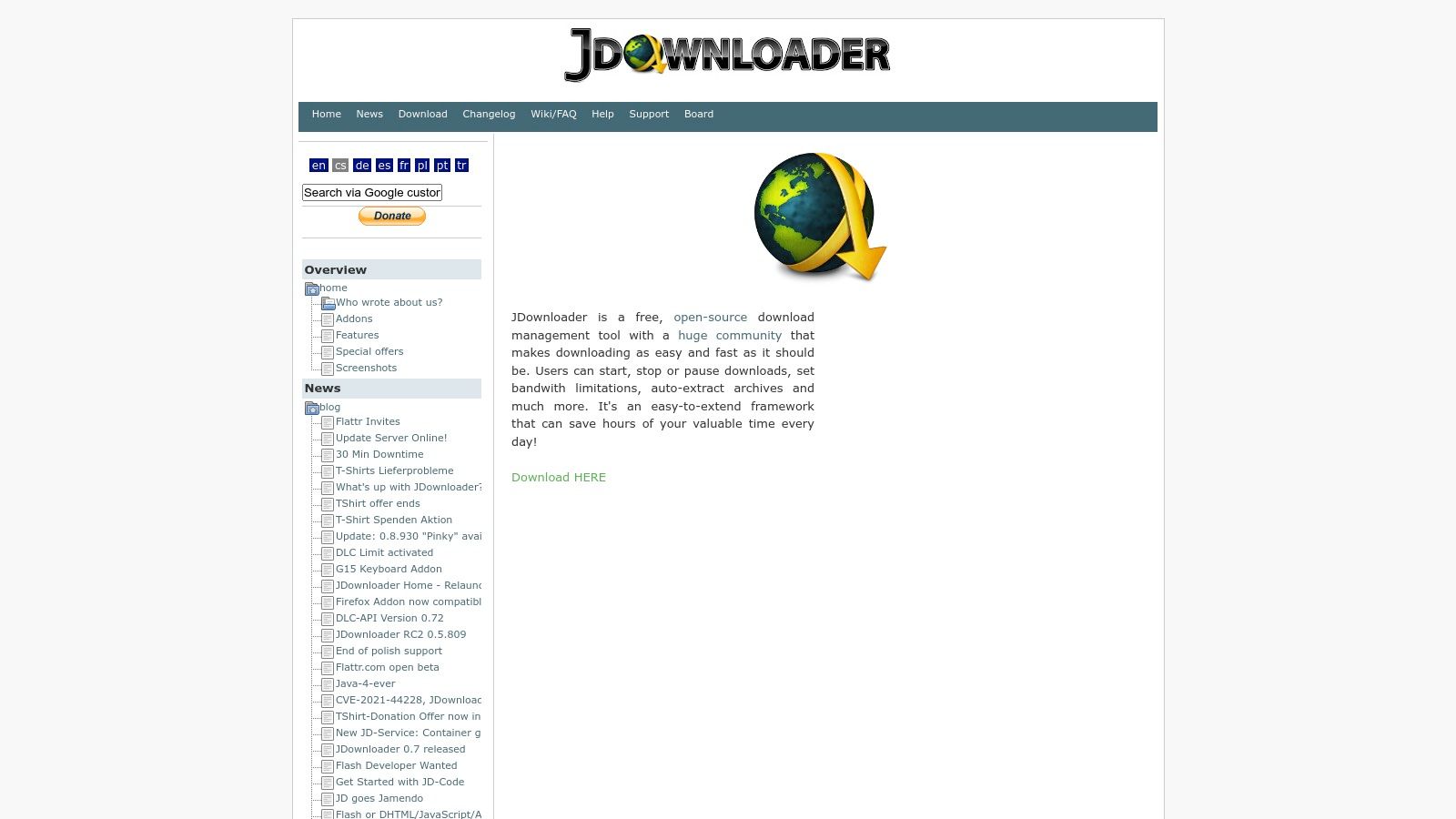
This thing is built for heavy-duty, bulk downloading. You can copy a whole page of links, and its "LinkGrabber" will automatically find every downloadable file, sort them into packages, and queue them up. It can even auto-extract compressed archives when a download is done. While its interface can look a bit intimidating at first, its set-and-forget automation for private or premium file hosters is unmatched. It's the go-to for power users managing huge archival projects.
Key Features & Usage Notes
- Plugin-Driven Versatility: Supports thousands of sites through a huge library of plugins that the community updates constantly.
- Authenticated Session Handling: Can use cookies and direct logins to access private files from your accounts, including many premium file hosting services.
- Advanced Automation: Features a killer link grabber, download queue management, bandwidth limits, and auto-extraction for archived files (RAR, ZIP).
Pricing and Platform Availability
JDownloader 2 is totally free, supported by donations. A word of caution: the standard installer might try to bundle some adware. It's highly recommended to grab the "adware-free" version directly from their site for a clean setup.
- Website: https://jdownloader.org
- Pros: Extremely powerful and free, huge community support, amazing for bulk and automated downloads from private sources.
- Cons: The user interface is complex and not for beginners; the default installer can contain unwanted adware.
5. Free Download Manager (FDM)
Free Download Manager (FDM) is a versatile and completely free download accelerator that's been a reliable workhorse for years. While not made just for private videos, it's great at handling authenticated downloads from password-protected sites and servers. You can plug in your login credentials right in the app, letting it access and download files behind a login wall. This makes it a solid general-purpose tool for grabbing anything from private course materials on a university portal to files from a secure FTP server.
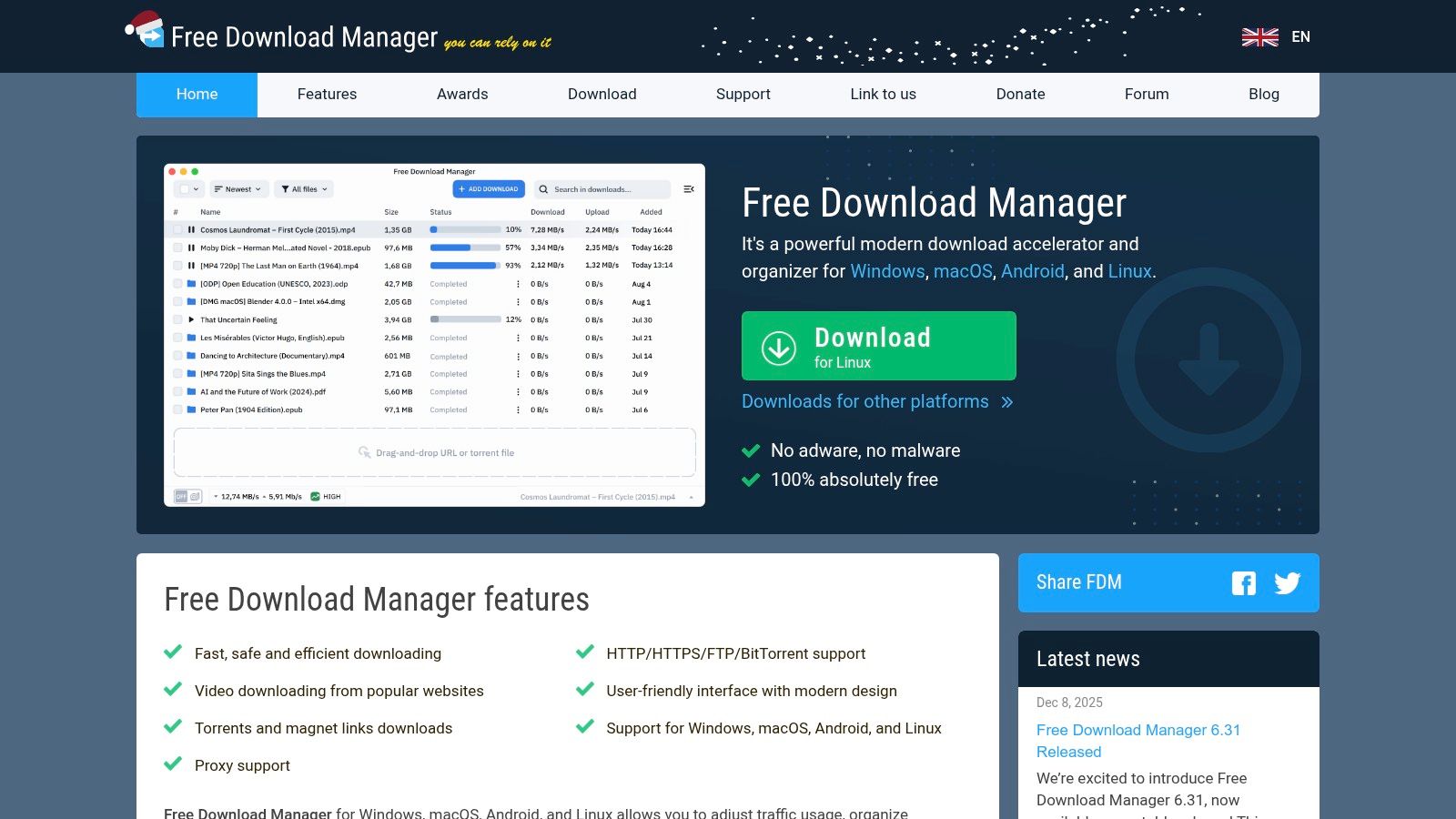
Its strength is its broad utility. FDM isn't a one-trick pony; it supports HTTP, HTTPS, FTP, and even BitTorrent protocols. The browser integration can catch video downloads from many sites, and its ability to resume broken downloads is a lifesaver for big files. For anyone looking for a powerful, no-cost utility that handles a wide range of download tasks, FDM is one of the best private downloader apps available—a true digital Swiss Army knife for Windows, macOS, Linux, and Android.
Key Features & Usage Notes
- Authenticated Downloads: Easily add a username and password when you start a new download to get files from private sites or servers.
- Broad Protocol Support: Handles everything from standard web downloads (HTTP/HTTPS) and FTP to BitTorrent files and magnet links.
- Bandwidth Control & Scheduling: Allocate bandwidth to prioritize other internet activities or schedule big downloads for off-peak hours so you don't bog down your network.
Pricing and Platform Availability
Free Download Manager is 100% free and open-source. No hidden fees, no premium tiers, no ads. This makes it an incredibly accessible and trustworthy tool for users across all major desktop and mobile operating systems.
- Website: https://www.freedownloadmanager.org
- Pros: Completely free with no adware, supports a wide array of protocols, cross-platform availability.
- Cons: The video downloader is less advanced than specialized tools; the interface is more functional than flashy.
6. Ninja Download Manager (NDM)
Ninja Download Manager (NDM) is a modern, Windows-based download accelerator for users who want fine-grained control over their downloads. While it's not a video scraper in the classic sense, it shines at managing downloads from direct, authenticated sources, like private servers or password-protected file hosts. Its strengths are its ability to schedule, queue, and speed up file transfers, making it a powerful tool for organizing large batches of private files.
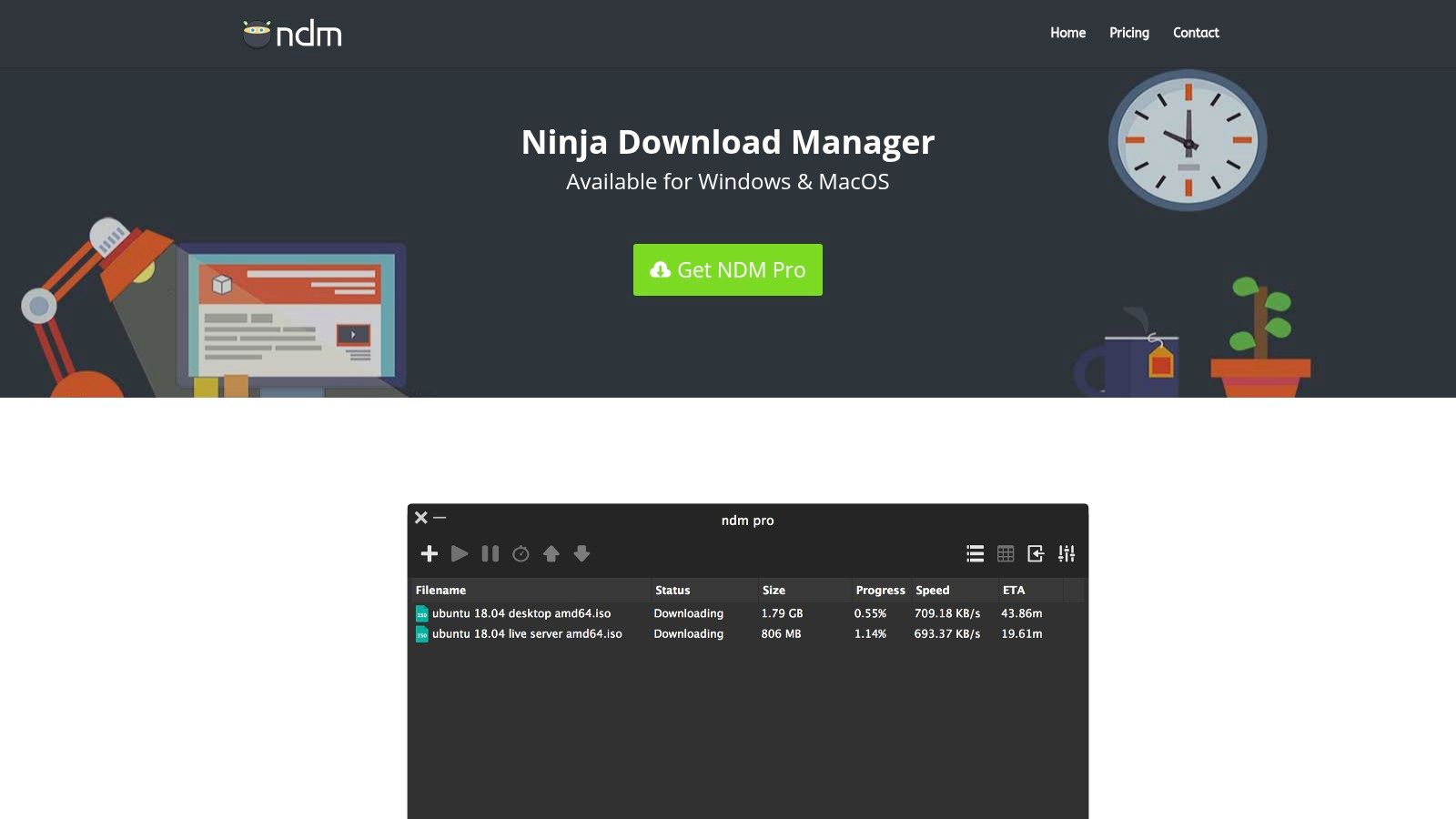
The workflow is all about efficiency. With features like download queues, speed limiting, and a built-in password manager for sites that need a login, NDM is one of the more robust private downloader apps for authenticated file transfers. It splits files into multiple simultaneous connections to max out your speed and has a clean, user-friendly interface that makes managing hundreds of downloads at once way easier than using your browser's downloader.
Key Features & Usage Notes
- Authenticated Downloads: The built-in password manager lets you save credentials for websites, making it easy to pull files from behind a login.
- Speed and Control: Uses multiple connections to accelerate downloads and lets you set speed limits for individual files or entire queues to manage your bandwidth.
- Advanced Organization: Features download grouping, scheduling, and a clipboard monitor that automatically grabs downloadable links, streamlining your workflow.
Pricing and Platform Availability
NDM has a free version with basic features and a paid "Pro" version that unlocks everything. The Pro license is an affordable one-time purchase that includes updates for one year; you'll need to renew the license for more updates. They also offer multi-PC license options.
- Website: https://ninjadownloadmanager.com
- Pros: Easy to manage lots of files privately with granular controls, affordable multi-PC license options, modern user interface.
- Cons: Windows-only; the paid license needs to be renewed after one year to keep getting updates.
7. Neat Download Manager
Neat Download Manager is a lightweight but surprisingly beefy desktop utility that works as a universal media grabber. Instead of being a dedicated app for one platform, it plugs directly into your browser (Chrome, Firefox, etc.) with an extension. When it spots a video or audio stream on a page—including some private or login-protected content—a button pops up, letting you grab the media stream and speed up the download. This makes it a great low-impact alternative to bigger, more complex software.
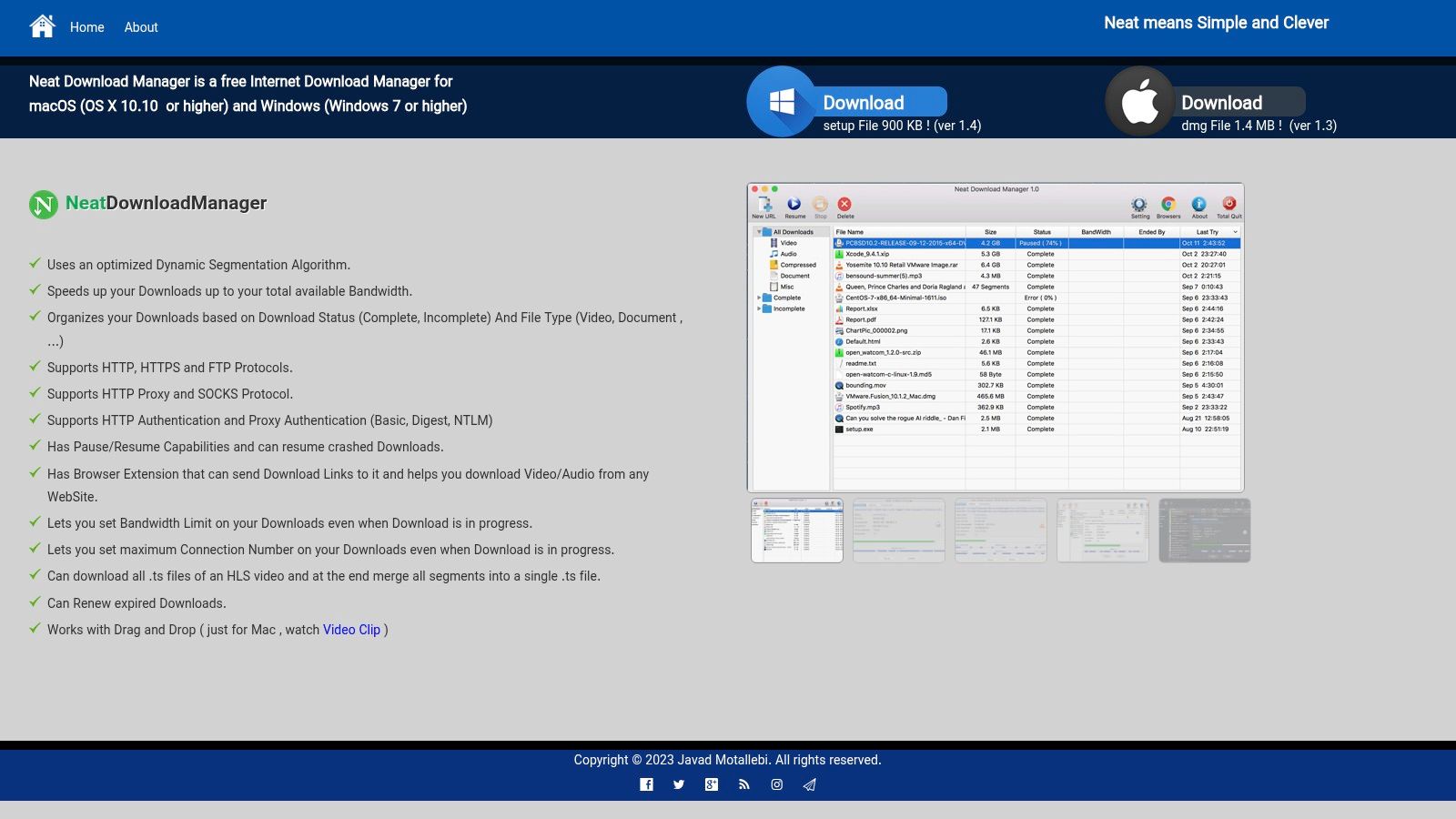
The app's strength is its simplicity and efficiency. It uses dynamic segmentation to speed up downloads and can merge HLS video segments (.ts files) into a single MP4, something that often requires separate tools. For users who just need a straightforward tool to capture embedded videos from behind a login on course websites or forums without installing bloated software, Neat Download Manager is one of the most effective private downloader apps for Windows and macOS.
Key Features & Usage Notes
- Browser Integration: Its core power comes from its browser extensions, which detect and intercept media streams for easy downloading.
- Download Acceleration: Uses a dynamic segmentation algorithm to seriously speed up file transfers compared to a standard browser download.
- HLS Stream Support: Automatically detects and merges segmented HLS video streams, which are common on many modern video platforms.
Pricing and Platform Availability
Neat Download Manager is completely free to use. No hidden costs, no subscriptions, no feature limits. It's available for both Windows and macOS, with dedicated extensions for all major browsers.
- Website: https://www.neatdownloadmanager.com/
- Pros: Totally free with a very small installer, simple and clean interface, works well as a basic private media saver.
- Cons: Browser extensions can sometimes have compatibility issues after major browser updates; less feature-rich than comprehensive download suites.
8. Ant Download Manager (AntDM)
Ant Download Manager (AntDM) is a full-featured download management tool for Windows that acts a lot like classic utilities like IDM but with a strong focus on media capture. Its built-in video grabber automatically sniffs out downloadable video streams on web pages, making it a powerful way to capture content from a wide range of sources without needing a separate tool. This integration lets you manage all your file and video downloads from a single, organized interface.
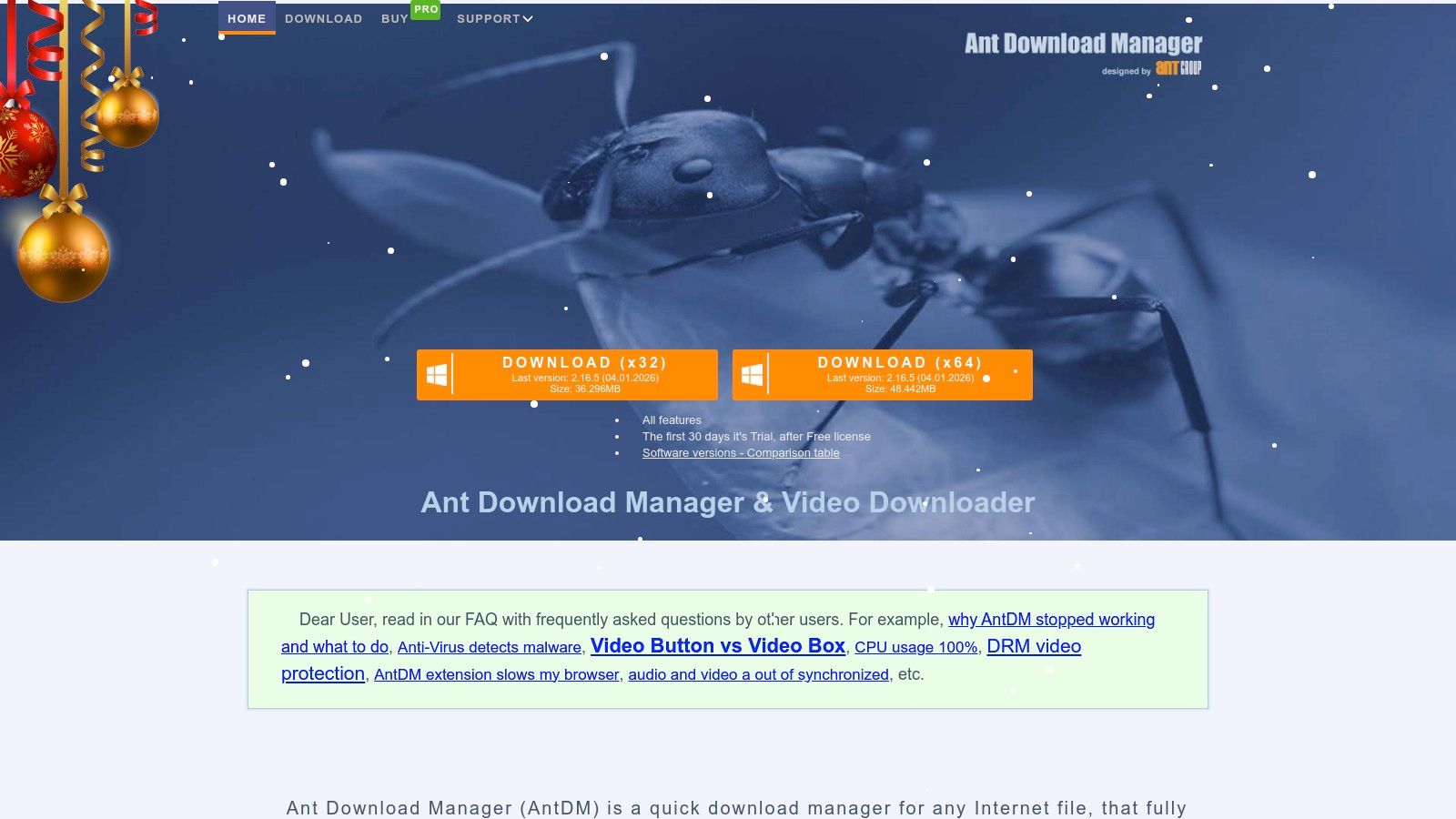
The software is great at handling authenticated downloads through its browser integration and proxy support, letting it access content behind login walls. While not strictly designed as a dedicated private downloader, its feature set makes it one of the more versatile private downloader apps for users who need a powerful all-in-one solution. It can schedule downloads, resume broken transfers, and even convert media after it's been downloaded.
Key Features & Usage Notes
- Integrated Video Grabber: Its core strength is the video sniffer that detects and lists downloadable media on a page, simplifying the capture process.
- Proxy & Authentication Support: Users can configure proxies and provide credentials to download files from password-protected or restricted sources.
- Browser Integration: Works with popular browsers like Chrome, Firefox, and Edge to seamlessly capture download links and media streams.
- Advanced Download Controls: Offers features like download queues, scheduling, speed limits, and batch downloading for extensive control over your transfers.
Pricing and Platform Availability
AntDM offers a 30-day free trial with full functionality. After that, you can buy a lifetime license at a very competitive one-time price, making it an affordable alternative to subscription-based managers. A Pro license gets you future updates and premium support.
- Website: https://antdownloadmanager.com
- Pros: Affordable lifetime license, powerful video sniffer, actively updated with new features.
- Cons: Only available for Windows; the interface can feel slightly dated compared to modern apps.
9. StreamFab (DVDFab) – All-in-One Streaming Downloader
StreamFab is a massive desktop suite for people who want to download content from premium streaming services for offline viewing. Unlike general video downloaders that scrape public URLs, StreamFab is a collection of dedicated modules, each built for a specific platform like Netflix, Amazon Prime, Disney+, Max, and more. This approach lets it handle the complex DRM protections these services use, allowing you to save movies and shows right to your computer.
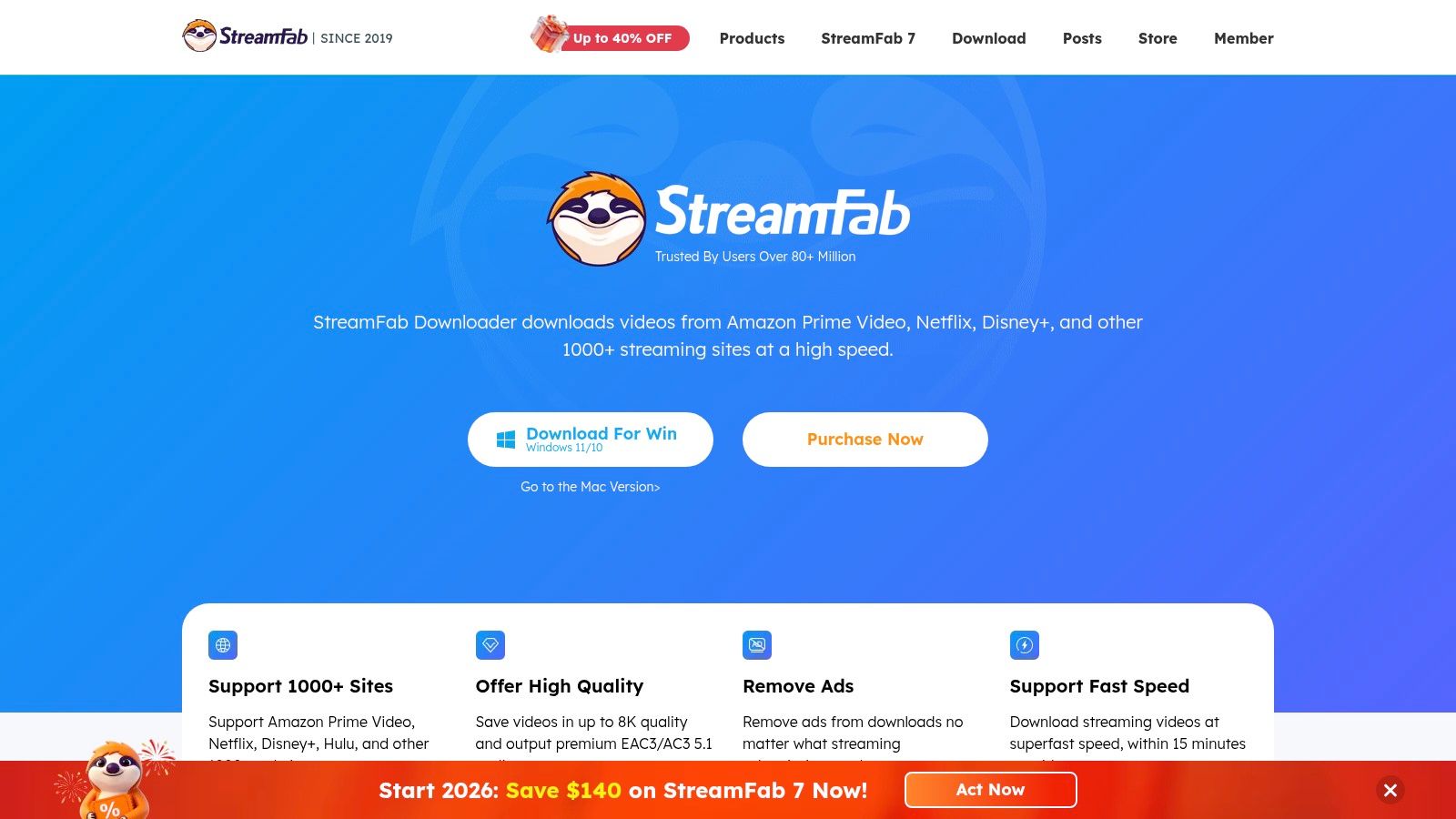
The platform works with an integrated browser where you log into your streaming accounts. Once you're in, you can browse and pick titles to download in high quality—often up to 1080p or even 4K—with options to keep specific audio tracks and subtitles. This makes it one of the most powerful private downloader apps for building a personal, offline media library from your existing subscriptions.
Key Features & Usage Notes
- Service-Specific Modules: Offers dedicated downloaders for dozens of streaming platforms, ensuring better compatibility and success rates.
- High-Quality Offline Copies: Supports high-res downloads (up to 8K on some services like YouTube) in common formats like MP4 and MKV.
- Audio & Subtitle Preservation: Gives you control over which audio tracks and subtitle files are saved, which is crucial for multi-language content.
- Batch Downloading: Queue up entire seasons of a show for automated downloading, a key feature for archiving content efficiently.
Pricing and Platform Availability
StreamFab runs on a premium, modular pricing model. You can buy individual downloaders for specific services or go for the "All-in-One" package, which gives you access to all of them. The company often has sales, but the lifetime All-in-One license is a significant investment.
- Website: https://streamfab.com
- Pros: Supports a massive catalog of paid streaming services; preserves audio/subtitle tracks effectively.
- Cons: Very expensive compared to other tools; functionality can break temporarily when streaming services update their DRM.
10. Keeprix All-in-One Downloader
Keeprix All-in-One Downloader is a dedicated desktop solution for users who want to archive content from major subscription streaming services. It specifically targets platforms like Netflix, Prime Video, Disney+, Max, and Hulu, using an integrated browser that lets you log into your accounts securely. This approach lets you download entire seasons or batch episodes for offline viewing, getting around the limits of official mobile app downloads.
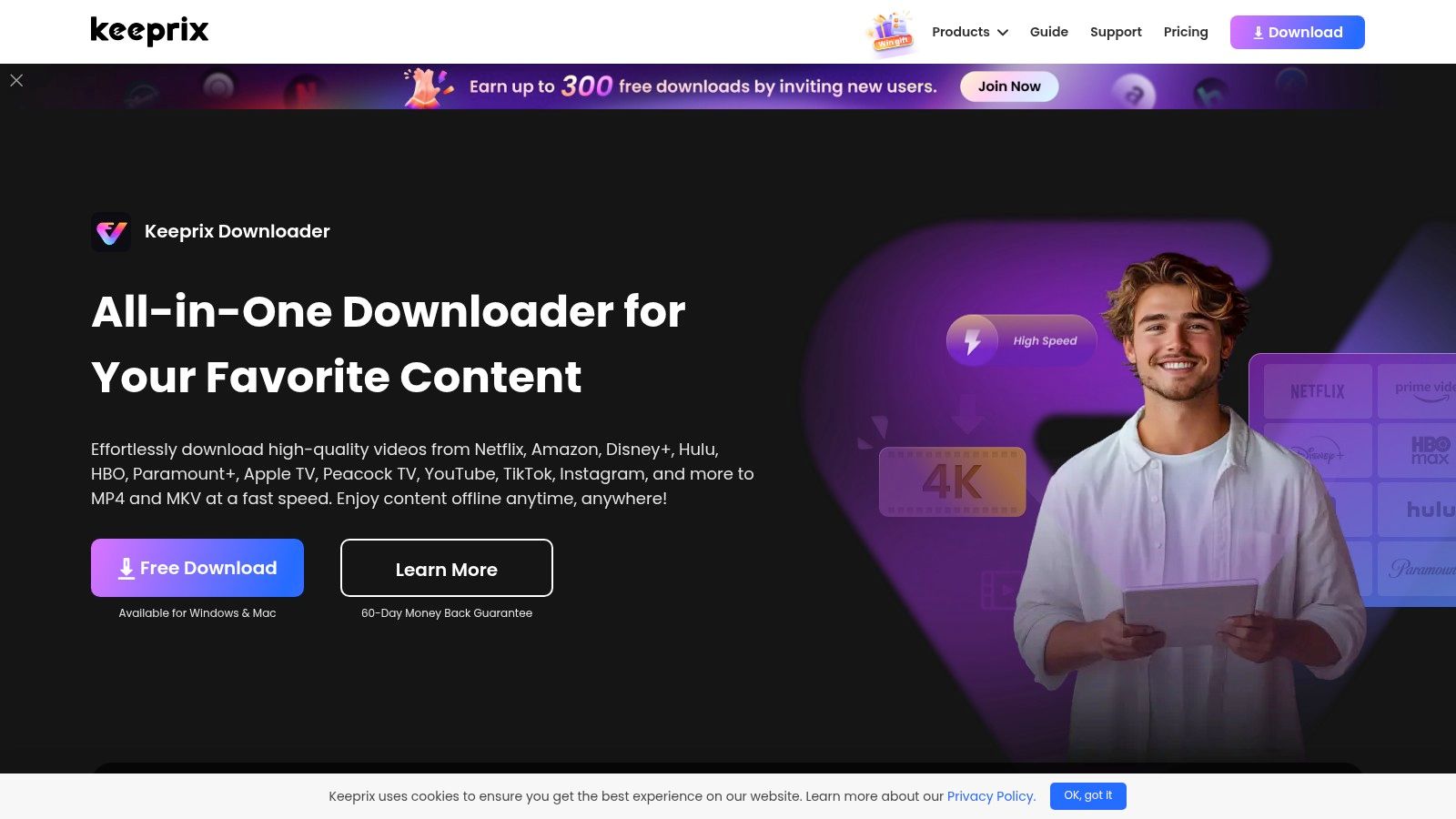
Its main appeal is its simplicity and focus. Instead of being a jack-of-all-trades, Keeprix zeroes in on premium streaming, claiming to handle geo-restrictions and download content from ad-supported tiers. For users who want to save their favorite series in standard formats like MP4 or MKV, complete with multi-language audio and subtitles, Keeprix is one of the more straightforward private downloader apps available for Windows and macOS.
Key Features & Usage Notes
- Built-in Browser Workflow: You log into your streaming service account within the Keeprix app to authenticate and access your content for download.
- Batch & Season Downloads: A key feature for binge-watchers, allowing you to queue up entire seasons or multiple episodes at once for offline saving.
- Audio and Subtitle Support: Downloads can include multiple audio tracks and subtitle files, preserving the original viewing options.
Pricing and Platform Availability
Keeprix uses a subscription or lifetime purchase model. Pricing is listed publicly, often with deals available for its "All-in-One" package. The company offers a 60-day money-back guarantee on this bundle, giving you a long time to test its compatibility with your favorite services.
- Website: https://www.keeprix.com
- Pros: User-friendly interface, targets popular streaming platforms specifically, clear pricing with a strong money-back guarantee.
- Cons: As a newer brand, its long-term reliability is still being established; streaming sites constantly update, which can temporarily affect functionality.
11. SnapDownloader
SnapDownloader is a dedicated desktop app for Windows and macOS that's earned a reputation for its wide site compatibility and simple workflow. It supports over 900 websites, letting you download videos, playlists, and even entire channels just by pasting a URL. Its main strength is its blend of simplicity and power, offering high-res downloads up to 8K. This makes it a great choice for users who need to archive content from various platforms without a ton of setup.
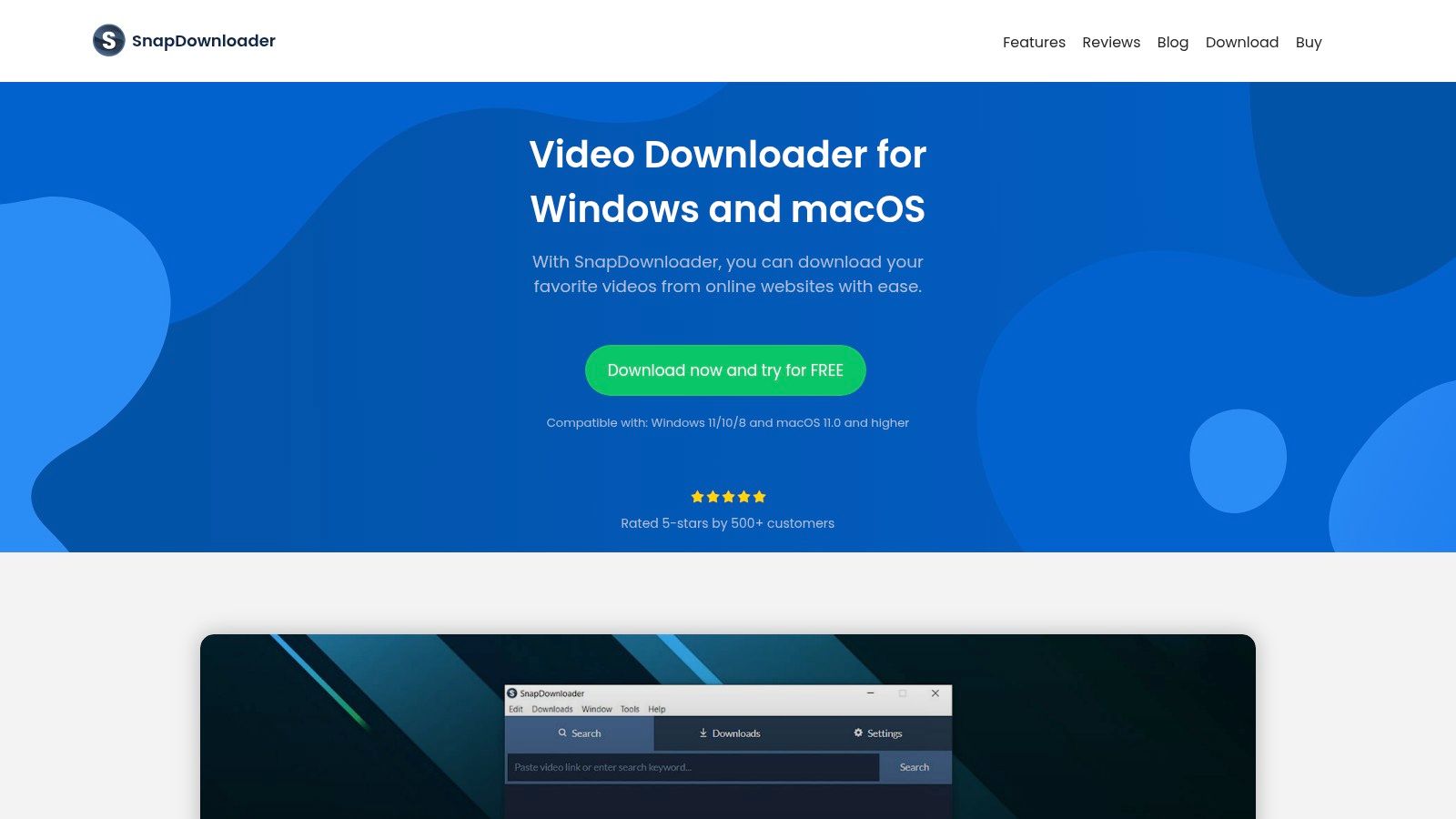
While it doesn't have an in-app browser for login-required content like some of its rivals, it's great at handling public-facing media that's still hard to download. The app is updated frequently to keep up with platform changes, which is crucial in the fast-moving world of online video. This responsiveness makes it a reliable tool for users who value consistency and a wide range of supported sites, positioning it as one of the most practical private downloader apps for general use.
Key Features & Usage Notes
- Extensive Site Support: Can download from over 900 platforms, including YouTube, Facebook, Twitter, and TikTok.
- High-Resolution & Batch Downloads: Supports up to 8K video quality and allows for batch downloading of entire playlists or channels in one go.
- Built-in Converter: Easily convert videos to MP4 or extract audio to MP3 format directly within the application.
Pricing and Platform Availability
SnapDownloader is a premium app that requires a subscription or a one-time lifetime license. The pricing is transparent, with monthly, annual, and lifetime options for single and multiple computers. The annual and lifetime plans come with a 30-day money-back guarantee, giving you a risk-free trial.
- Website: https://snapdownloader.com
- Pros: Clear pricing with lifetime license options, actively maintained to fix platform breakages.
- Cons: Paid license is required for use; reliability can dip temporarily when a supported site makes API changes.
12. VideoProc Converter AI (Downloader module included)
VideoProc Converter AI is more than just a downloader; it's a full media toolkit that includes a powerful downloader module. This makes it a perfect choice for users who need an all-in-one solution for downloading, converting, editing, and recording. Instead of juggling multiple apps, you can manage your entire workflow in one place, making it ideal for archiving private streams, creating compilations from members-only videos, or prepping downloaded content for other uses.
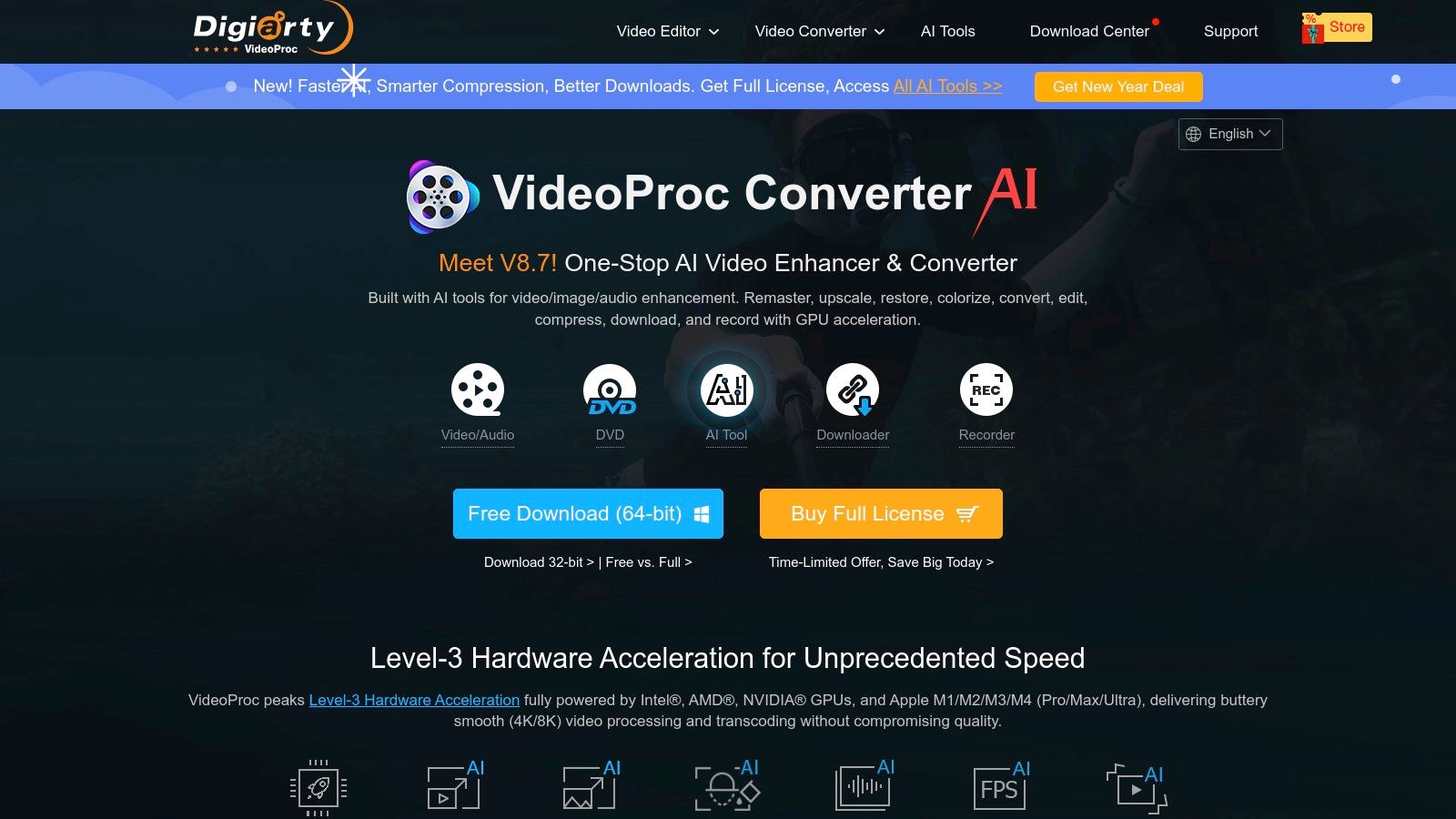
The biggest advantage is its integrated nature. Once a video is downloaded, you can immediately use its GPU-accelerated tools to convert the file to a different format, trim unwanted parts, or extract audio without losing quality. This seamless process makes VideoProc one of the most efficient private downloader apps for users who see downloading as just the first step in their media management or content creation projects. Its support for a wide range of UGC sites and live streams adds to its versatility.
Key Features & Usage Notes
- Integrated Workflow: Download, convert, edit, and record without leaving the app. This is perfect for archiving content and immediately repurposing it.
- GPU Acceleration: Uses your computer's graphics card to speed up transcoding and conversion, saving a ton of time on large or high-res files.
- Broad Format Support: Handles everything from standard MP4s to complex codecs and can download videos, playlists, streams, and subtitles.
Pricing and Platform Availability
VideoProc offers a free trial with limits on video length and features. To unlock the full downloader and converter, a lifetime license is available for purchase, often with big discounts. It's a desktop app available for both Windows and macOS users.
- Website: https://www.videoproc.com
- Pros: One app covers downloading, conversion, and basic editing; reputable vendor with strong support.
- Cons: Downloader can be inconsistent when sites update their code; some users report occasional instability.
Private Downloader Apps — 12-Tool Feature Comparison
| Product | Core features | Ease & quality ★ | Security & unique points ✨ | Best for 👥 | Price/value 💰 |
|---|---|---|---|---|---|
| 🏆 SnapNinja | Desktop Snapchat Web archiver — auto-save photos/videos to local, AES‑256 | ★★★★★ | ✨ Local-only storage & AES‑256; silent capture capability (legal/ethical risk — use responsibly) | 👥 Archivists/creators needing local Snapchat backups | 💰 Check website |
| 4K Video Downloader Plus | In-app browser, 4K/8K, playlists, proxy | ★★★★☆ | ✨ Authenticated downloads via browser; active development | 👥 Casual users wanting high‑res downloads | 💰 Free tier; paid Lite/Personal/Pro |
| yt-dlp (CLI) | CLI downloader, broad site support, cookie auth, scriptable | ★★★☆☆ | ✨ Open‑source, frequently updated, highly scriptable | 👥 Power users / automation & archiving | 💰 Free (open‑source) |
| JDownloader 2 | Link grabber, plugins, captchas, bulk automation | ★★★☆☆ | ✨ Massive plugin ecosystem; handles premium hosts | 👥 Bulk downloaders and advanced users | 💰 Donationware (free; optional adware‑free builds) |
| Free Download Manager (FDM) | Multi‑protocol (HTTP/FTP/Torrent), scheduling, browser integration | ★★★★☆ | ✨ 100% free, broad OS support | 👥 General users needing multi‑protocol downloads | 💰 Free |
| Ninja Download Manager (NDM) | Multi‑connection accel, queues, proxy, password manager (Windows) | ★★★★☆ | ✨ Fast accelerator + built‑in password manager | 👥 Windows users managing many files | 💰 Paid; affordable multi‑PC licenses |
| Neat Download Manager | Lightweight, browser extensions, HLS merging | ★★★★☆ | ✨ Small footprint; simple media capture | 👥 Users wanting a basic private saver | 💰 Free |
| Ant Download Manager (AntDM) | Video sniffer, browser integration, resume, batch | ★★★★☆ | ✨ IDM‑style features; lifetime license available | 👥 Windows users on a budget | 💰 Competitive paid/lifetime |
| StreamFab (DVDFab) | Service‑specific modules, up to 8K, subtitle/audio preservation | ★★★☆☆ | ✨ Wide service coverage; multi‑PC lifetime bundles | 👥 Users of many streaming services | 💰 Expensive (All‑in‑One lifetime ~$259–$299) |
| Keeprix All‑in‑One | Built‑in browser, batch/season downloads, multi‑audio/subtitles | ★★★★☆ | ✨ Simple UI, clear pricing + 60‑day money‑back | 👥 Mainstream streaming downloaders | 💰 Paid; promotional deals (check site) |
| SnapDownloader | 900+ sites, playlists, MP4/MP3 conversion, up to 8K | ★★★★☆ | ✨ Lifetime license options; responsive fixes | 👥 Users wanting simple high‑res downloads | 💰 Paid; lifetime & refund options |
| VideoProc Converter AI | Downloader + editor + GPU‑accelerated converter/recorder | ★★★★☆ | ✨ Integrated download→convert→edit workflow | 👥 Creators needing editing + downloads | 💰 Paid; frequent deals |
The Takeaway: Why Your Desktop Is Your Best Friend for Privacy
After diving into the world of private downloader apps, one thing becomes crystal clear: for privacy, security, and control, your desktop is king. This isn't just a preference; it's what we call the Desktop Advantage.
Mobile apps, especially those that "mod" official apps, are playing a dangerous game. They mess with the app's code, trying to fool the very systems designed to catch them. The result? A high-stakes battle where your account is on the line. Platforms constantly patch these loopholes, making mobile hacks unreliable and incredibly risky. One wrong move, and you could get suspended or permanently banned.
This is exactly why a desktop-first workflow is the smarter, safer move for anyone serious about archiving their digital life.
The Desktop Advantage: Control and Discretion
The huge difference is how desktop tools work. Instead of messing with an app from the inside, they operate from the outside.
- Operating Outside the App Environment: A tool like SnapNinja works with the web version of a platform. It's not hacking the mobile app; it's just interacting with a website. This separation makes it virtually undetectable by the mobile app's security, which is busy looking for hacks on your phone.
- No "Jailbreak" or "Rooting" Needed: Mobile hacks often demand you jailbreak your iPhone or root your Android, trashing your phone's security just for one app. Desktop solutions are just regular programs you install on Windows or macOS, leaving your phone's security locked down.
- Superior Power and Flexibility: Your computer has way more power, storage, and multitasking juice. This lets desktop tools like 4K Video Downloader Plus or JDownloader 2 handle massive batch downloads, complex file organization, and high-res conversions that would make a mobile app choke.
For anyone looking to save Snaps or other ephemeral media without triggering notifications, the desktop approach is the only sane choice. The risk of using a sketchy mobile app is just too high when your account and your private memories are at stake. That's why SnapNinja is the only reliable solution—it leverages the Desktop Advantage to bypass the "Saved to Camera Roll" notification by operating completely outside the Snapchat app environment.
Choosing Your Privacy Toolkit
So, how do you pick the right tool from this list? It all comes down to what you need and how comfortable you are with tech.
For Saving Ephemeral Media (Snaps, Stories): If your main goal is to archive disappearing content from platforms like Snapchat without alerting the sender, you need a specialized tool. SnapNinja is purpose-built for this, focusing on a single, critical task with privacy as its top priority. Its desktop nature is its greatest strength, making it the safest option for this sensitive job. For quick grabs without installing software, our web-based story downloader is a useful companion.
For General-Purpose Video & Audio Downloading: If you're a content creator or just want to save videos from hundreds of sites like YouTube or TikTok, a robust all-in-one downloader is your best bet. 4K Video Downloader Plus hits a sweet spot between ease of use and power, while yt-dlp offers god-tier control for command-line wizards.
For Power Users and Bulk Downloads: If you need to manage massive download queues or grab every image from a web gallery, a download manager is essential. JDownloader 2 is the undisputed king of power and customization, but it has a steep learning curve. For a more user-friendly experience, Free Download Manager (FDM) offers excellent features without the headache.
Ultimately, the best private downloader apps are the ones that respect your privacy by design. They give you the power to control your own data, create personal backups, and archive memories on your own terms. By moving your workflow to your desktop, you reclaim that control and slash the risks, ensuring your digital archives stay safe, secure, and truly private.
Ready to take control of your digital memories with the safest method available? SnapNinja is the only desktop-based tool designed to let you privately save snaps and stories without triggering any notifications. Stop risking your account with shady mobile apps and experience the peace of mind that comes with the Desktop Advantage.